
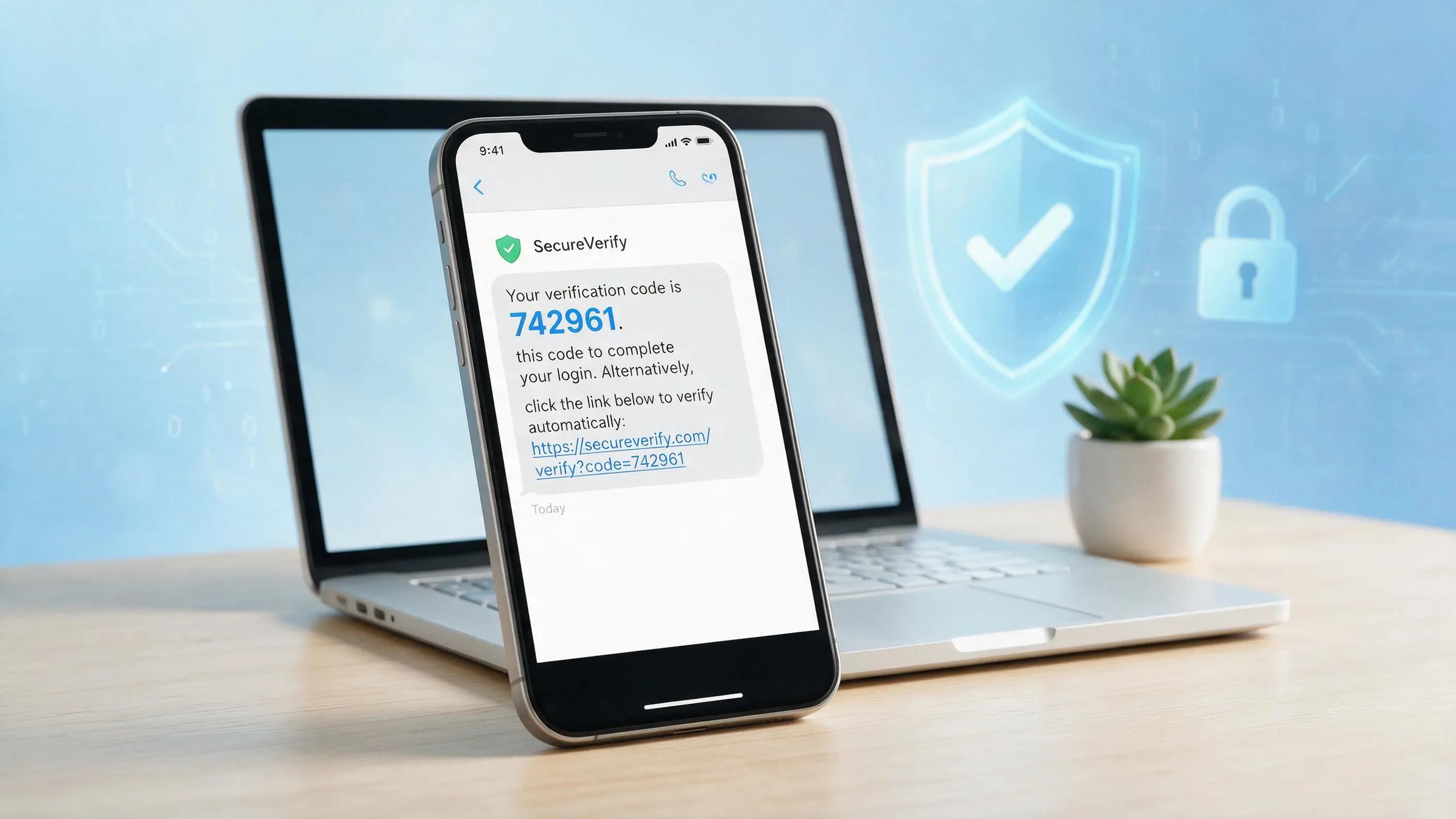
Daily, you have message(s), e-mail(s) and notification that contains a link, verification code and some instructional text. For example:
"Your verification code is 583921. Check here: example com/verify"
We call the text of this message link verification code text. This article will teach you a little bit about what this means, why do companies use it, how can you protect yourself and how to write an SEO-friendly blog post with this keyword.
Link verification code text meaning?
Link verification code text means text message containing:
A link (for example: yoursite. com/verify)
A verification code (6-digit OTP)
A clear indication of what to do (the text part)
Such alerts are delivered by SMS, email, application notifications and WhatsApp.
The reason is plain and simple: to prove that you are indeed the owner of the email address or phone number associated with your account. Rather than simply type a password, you are asked for both a verification code and for identity confirmation with a secure link.
Why Link Verification Code Text is Used?
That is the type of message Websites and apps use, for several critical reasons.
User Verification During Sign-Up
When you sign up for a new account on the service — perhaps a social media site or an online store or even a banking app — the service will want to verify that your email address or phone number is genuine. They send you a text with the code you need to use to verify your link. You are verified as soon as you click or enter the code.
Secure login and two-factor authentication (2FA)
The vast majority of platforms are implementing two-factor authentication, Once you enter your password, they have to send a code to your phone or email. This provides additional security. So even if someone steals your password, that will not be enough to log in, they will also need the code.
Password Reset and Account Recovery
For most services, if you forget your password, you won't be able to immediately reset it. The first one is a link verification code text to your email or phone number. This means that only you — not a hacker — can reset your password.
Transaction and Payment Confirmation
Before carrying out high-value transactions, online banks, payment apps, and e-commerce sites frequently send verification messages. You might, for example, be sent a code and a link to verify before sending a major cash transfer.
Reducing Spam, Bots, and Fraud
With verification via a code and link, fake accounts, spam, and automated bots can be kept to a minimum. This harnesses scammers from creating hundreds of fake profiles or performing malicious actions.
Link Verification Code Text Working (Step by Step)
By understanding the way it works, you can learn to identify authentic messages as well as inauthentic.
Step 1: User Request
You conduct some activity that is subject to the verification, e.g.:
Creating a new account
Logging in from a new device
Requesting a password reset
Confirming a payment or transaction
Next Step 2: The system Automatically Generates a code
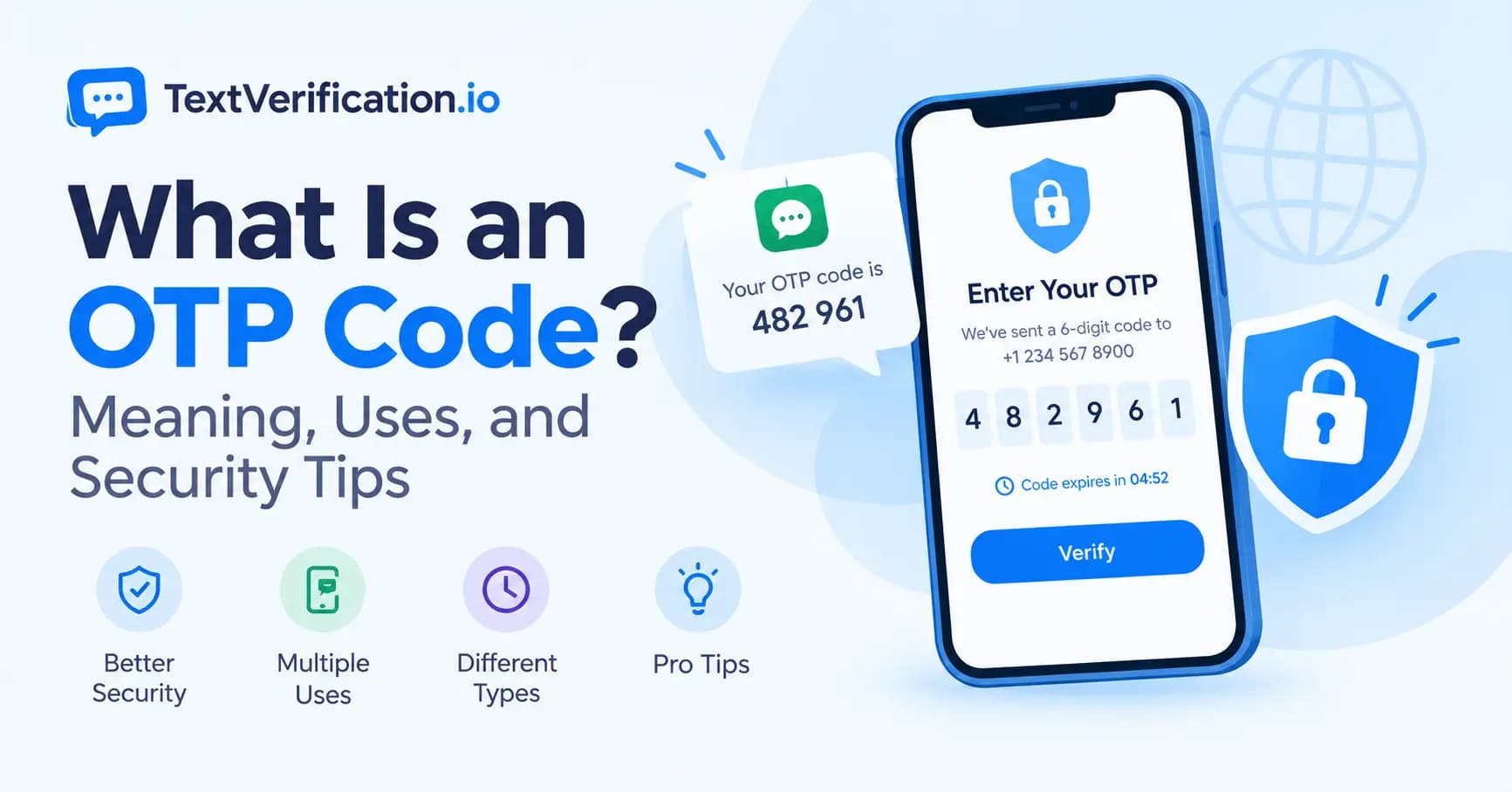
The server generates a random secret code for verification This code is usually:
4 to 8 digits long
Temporary (5–15 minutes)
Used only once
Step 3: Secure Link Creation
In addition to the code, a secure link for verification is generated by the system. This link is typically a target link that contains an actual token—one that also matches your code and account. For example:
yoursite. com/verify? code=483921&token=abc123xyz
Step 4: Message Is Sent
You get a text message, an email, or a notification on your app like:
"Your verification code is 483921. Please check your account click here: yoursite. com/verify"
This is your \nlink verification code text.
Step 5: User Takes Action
You either:
Manual entering the code in your web or app, or
Simply click the link which will confirm your account automatically.
Step 6: System response and Perform
The server verifies the code and link. Your action is done if everything matches and since, the code is still valid.
Your account is verified
Your password is reset
Your transaction is approved
The system returns an error message that says the code is invalid or expired requesting a new one for you.
Link Verification Code How to Handle a Text Securely
Not all messages are legitimate. Scammers typically mimic the triggering text of actual verification messages in an attempt to obtain your information. Here's how to stay safe.
Check the Sender
Hover over the sender name (or number in case of SMS)
Email: Use the full email address, Display name ∙ Do not just look at the display name.
These official messages are usually sent over known domain names or short codes.
Inspect the Link Before Clicking
Double check the domain name (eg: facebook. com, not facebok. com).
Steer clear of shortened or questionable links (such as random bit. ly links from unknown senders).
If you're unsure, don't click. Bypass login through the official app or website
Never Share Your Verification Code
No real company or bank will ask you to share your verification code ever.
If they call you, message you or e-mail asking for the code - it's a scam.
Do not treat your verification code as a password.
Beware of Words Urgent and Scary
Scammers use fear and urgency, for example:
That your account will be banned in 10 minutes
"Unauthorized login detected. Verify now or lose access."
Compared to this, legitimate companies will typically use a calm voice and clear language that is reasonable about time limits.
Use Official Apps and Websites
If you do this instead of clicking links in messages:
Firstly, open the Chrome web browser in your computer and take type of official website address.
Alternatively, you can install the official app from your phone application store.
Just log in from there and finish any prompt you see.
Enable Notifications and Security Alerts
Many platforms allow you to:
See login History
Alerts for new devices or locations
Manage active sessions
Check these settings regularly so you pick up on anything suspicious quickly.
Business Benefits: Why Companies Need to Use a Link Verification Code Text
Link verification code text can be beneficial if you own a website, app, or online service.
Stronger Security
Verification codes and links are far more difficult for authors to:
Create fake accounts
Take over user accounts
Perform unauthorized transactions
Better User Trust
With a peak into your platforms extensive verification of users, they are assured that their data and payments will be safe.
Lower Fraud and Chargebacks
By verifying identities before key tasks you minimize:
Fake orders
Fraudulent transactions
Disputes and chargebacks
Compliance with Regulations
Most financial and data privacy regulations require strong user verification. Verification codes and secure links are two ways you can adhere to these standards.
Improved Data Quality
Verified emails and phone numbers mean:
Better communication with users
Higher email open rates
Harder information around analytics and marketing
Frequently Asked Questions (FAQ)
Is it safe to link verify code text?
It is safe when it is from a reliable domain and an official source, however always remain away of unknown links and spammy messages.
5 What to do if a verification link looks suspicious
Don't click the link directly. Go through the official app or website, log in and finish up verification there. If you receive any suspicious messages, report them to support.
The verification code would last for how long?
Verification codes generally exist for 5–15 minutes. They then expire, and you have to get a new one.
Can I give my verification code to support staff?
No. A real support team would never ask you for your verification code. If anyone does, it is probably a scam.
Can I rank for the keyword → link verification code text on google?
Yes — if you do keyword research, structure your content properly, align with user intent and adhere to tech SEO best practices, you are unlikely to fail at ranking.