
Table of Contents
Introduction
Is It Possible To Sign Up Gmail Without Phone Number?
Why Google Wants Your Phone Number
Requirements Before Creating a Gmail Account
Creating a Gmail Account Without Phone Number
Can You Skip Google Phone Verification?
Advantages of Having a Gmail Account
Gmail Security Tips
Common Gmail Signup Problems
Frequently Asked Questions
Conclusion
Introduction
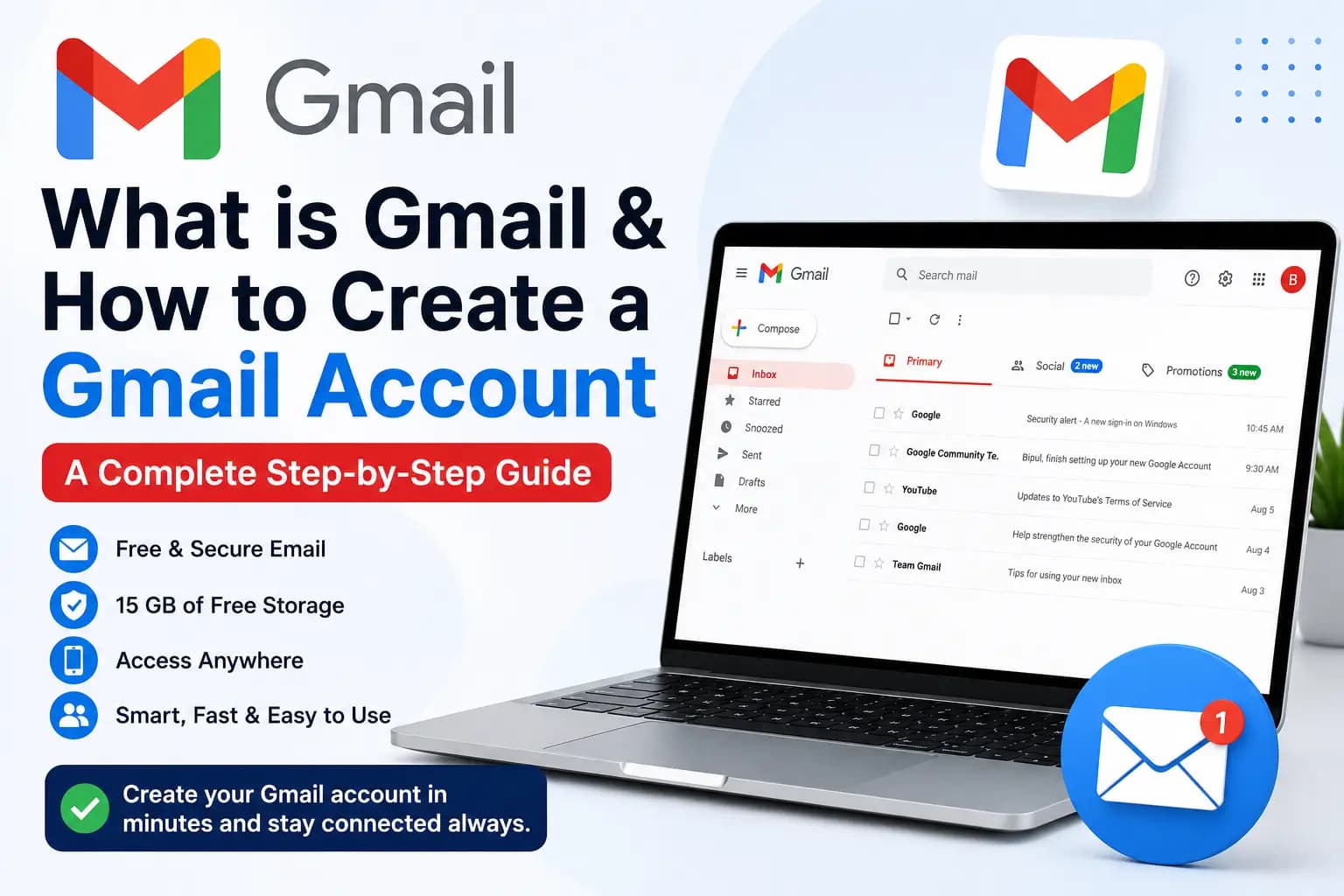
When you want to use the services from Google, for example, Youtube, Google Drive, Google Photos and others, one of the steps is creating a Gmail account. You may think a phone number is always required (and most users do) but actually that's not true.
In this tutorial, you will find when your Gmail account can be created without a contact number, when Google could request verification and what to do if they ask for phone verification.
Is It Possible To Sign Up Gmail Without Phone Number?
Yes, sometimes.
For example, it is not always compulsory to enter a phone number when you create your own Gmail account in Google. Whether you get asked for one or not will depend on a number of factors like:
Your location
The device you're using
Your IP address
Your account creation history
Google's automated risk checks
Depending on the risk assessment of Google for this type of signup, you may not need a phone number.
Reason #1: Why Google Wants Your Phone Number
Why does Google request a phone number …Google may ask for a phone number to contact you.
Prevent spam accounts
Confirm that you are human
Helps to recover your account if you have forgotten the password additi
Two-step verification for better account security
If recovery phone is added after reg (even if it was optional during signup), the latter can help you to regain your account in case of password loss.
Requirements Before Creating a Gmail Account
Before we can even open a Gmail account, there are a minimum of two requirements you must fulfil.
Requirements Before getting started, you should have:
A web browser, or the Gmail app
A stable internet connection
Your first and last name
A unique username
A strong password
Your date of birth
During signup, a phone number is requested at times.
Creating a Gmail Account Without Phone Number
First Step — Visit Gmail Signup Page
Launch the Gmail app or go to Google's Create Account page.
Click Create account.
Step 2: Select the type of account
Select:
For myself
For my child
To manage my business
Select what suits you the most.
Step 3: Enter Your Information
Provide:
First name
Last name
Username
Password
Click Next.
Step 4: Enter Your Birthday
Fill in:
Date of birth
Gender
Click Next.
Step 5: Phone Number (Optional)
If there is a Skip option offered by Google, you may move along without entering a phone number.
In case it does not give the option to skip, Google has concluded that phone verification is necessary for that signup attempt.
Step 6: Accept Google's Terms
Google's Privacy Policy and Terms of Service apply.
Click I Agree.
Follow the steps and your Gmail account is ready.
Can You Skip Google Phone Verification?
Ranged from your accomplish, Google Ransom phone verification?
When Google requests a phone number, there is no sure way to get around it. The verification prompt is based on the security systems by Google.
It will point out some users to create an account on another device or after occasionally creating odd results of the verification requirements, but it is not marked guaranteed.
Advantages of Having Gmail Account
You can create a Gmail account to have access:
Gmail
Google Drive
Google Docs
Google Sheets
Google Photos
Google Meet
Google Calendar
YouTube
Google Play Store
Single account unlocking the whole Google ecosystem.
Gmail Security Tips
Choose a unique and strong password.
Enable two-factor authentication if possible.
Use an up-to-date recovery email.
Avoid sharing your password.
Review your security settings regularly.
Common Gmail Signup Problems
Username Already Taken
Try adding:
Numbers
Initials
Middle name
A different spelling
Password Too Weak
Use at least:
12 characters
Uppercase letters
Lowercase letters
Numbers
Symbols
Verification Required
If phone verification is required by Google, follow the steps which you see during signup. This protects you and the Google platform from abuse.
Frequently Asked Questions
Is it not possible to create Gmail without a phone number?
No, you may be asked to verify via phone depending on Google's security risk analysis.
Do I need a recovery phone number?
Not always during signup, but it is advisable to add one after sign-up for account recovery and security.
Can Gmail be used without a phone?
Yes. If your account is created without a phone number, you can use it. Although contributing recovery information is a good security shenanigan.
Is Gmail free?
Yes. A regular Gmail account is available at no cost and has storage shared across Gmail, Google Drive and Google Photos.
Conclusion
In certain situations, you can make your Gmail account without a phone number, but it depends on Google security checks during registration. However, using that phone verification option, you may sign up without a mobile number if given the option to. Google may ask you to verify, and if so, comply with its requests.
To ensure that you have a perfect time, please provide accurate information at sign up time, use strong password to secure the account with recovery options.
Receive Sms Online for Best Buy Account Creation
Many users wonder whether it's possible to create a Gmail account without using their personal phone number. While Google may require SMS verification during the Gmail registration process, some users choose to use a virtual phone number to help protect their privacy.
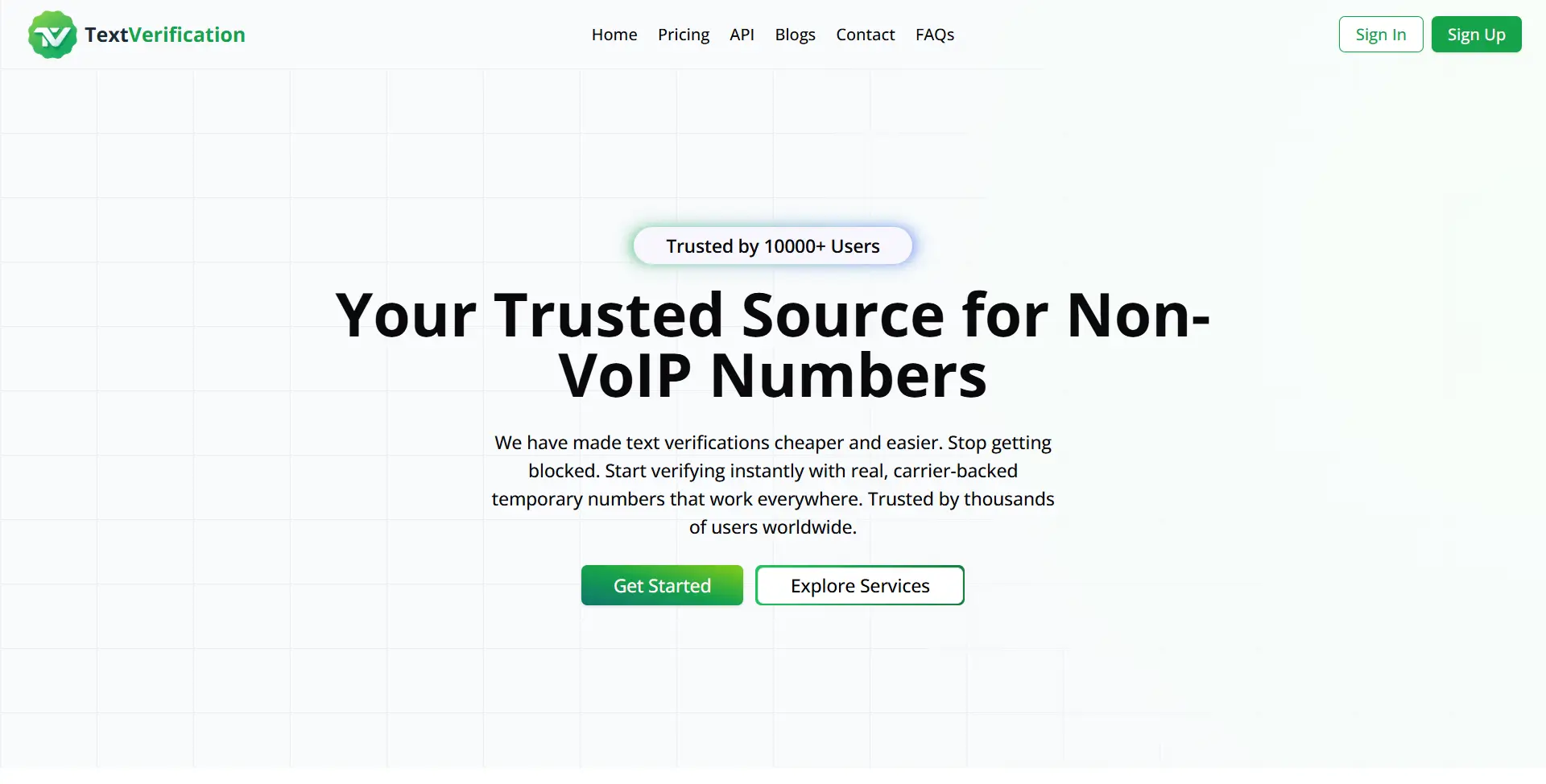
TextVerification.io provides virtual phone numbers that can receive SMS verification codes for thousands of online platforms. Depending on Google's current verification policies, these numbers may be accepted for Gmail account verification, allowing you to keep your personal phone number private.
Why Use TextVerification.io?
With TextVerification.io, you can:
Purchase a one-time SMS verification number at an affordable price.
Rent a virtual number for extended use, including plans of up to 3 months.
Buy bulk virtual numbers for businesses, developers, or large-scale verification needs.
Create an account using only an email address, without providing unnecessary personal information.
Access real non-VoIP virtual numbers from multiple countries for supported online services.
How to Get a Virtual Phone Number for Gmail SMS Verification
Follow these simple steps:
Create a free account on TextVerification.io.
Add funds using one of the available payment methods.
Choose the service that fits your needs:
Buy Number (S1) – One-time verification
Buy Number (S2) – Alternative one-time option
Rental Number (LTR) – Long-term number rental
Select your preferred country.
Search for Gmail (or Google, if listed) in the available services.
Click Order Number.
Copy the assigned virtual phone number.
Enter the number during the Gmail sign-up process if phone verification is requested.
Wait for the SMS verification code to appear in your TextVerification.io dashboard.
Enter the verification code to complete your Gmail account registration.
Important Note:
Acceptance of virtual phone numbers depends entirely on Google's current verification and security policies. Some virtual numbers may be accepted, while others may be rejected. In addition, it's recommended that you maintain access to the number you use, as Google may request it later for account recovery, login verification, or additional security checks.
Using a virtual number can be a convenient option for users who want to enhance their privacy, but it does not guarantee successful account creation. Always follow Google's Terms of Service and be prepared to complete identity verification if requested.