
Introduction
Have you ever received a text message containing a short numerical code while signing in to an account or creating a new one? That code is often called an OTP, or One-Time Password.
OTP codes are widely used by websites, mobile apps, financial services, and online platforms to verify a user's identity or confirm an action. They provide an additional layer of security by requiring a temporary code alongside other information, such as a password or phone number.
But what exactly is an OTP code? How does it work, and how can you use it safely?
In this guide, you'll learn the meaning of OTP, the different types of one-time passwords, common uses, security benefits, and practical tips for protecting your accounts.
If you're exploring SMS-based verification, you can also visit TextVerification.io to learn about available SMS verification options.
What Does OTP Stand For?
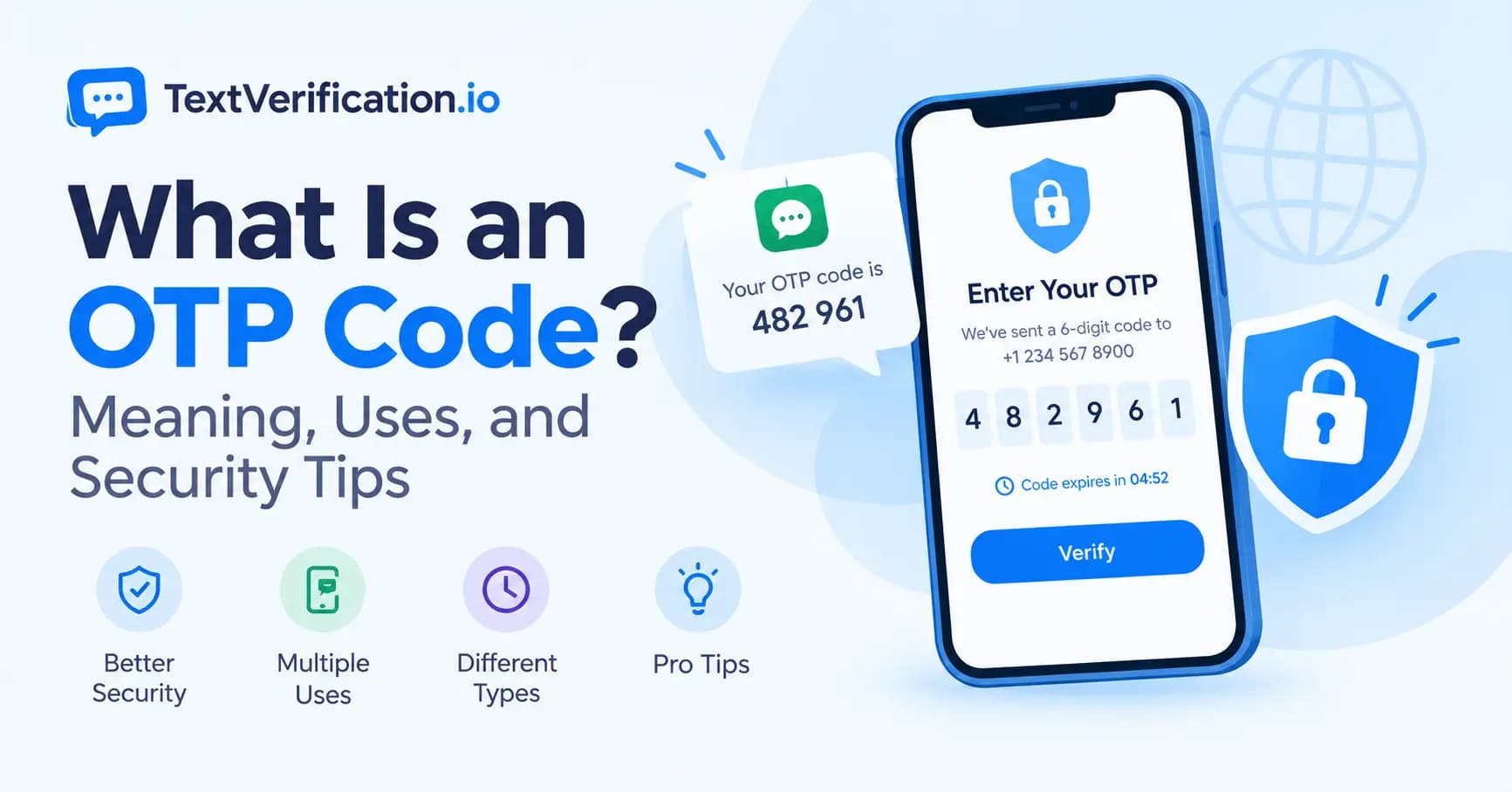
OTP stands for One-Time Password. It is a temporary code intended to be used for a single authentication session or a specific verification action.
An OTP may contain numbers, letters, or a combination of both, depending on the system that generates it. Many services use six-digit numerical codes, although the format and length can vary.
Unlike a regular password, an OTP is generally short-lived or invalidated after successful use. This helps reduce the risk of someone reusing an old code to gain unauthorized access.
For example, when you sign in to an account, the service might send a code to your registered phone number or email address. You enter the code into the verification field to complete the process.
Important: An OTP helps verify access to a particular device, contact method, or authentication factor. Receiving a code does not automatically prove someone's identity in every situation.
How Does an OTP Code Work?
The exact process depends on the website, app, or authentication system. A typical OTP verification process works like this:
You start an action. You sign in, register for an account, reset a password, or confirm a transaction.
The service generates a code. The authentication system creates a temporary code or retrieves the next code from an established authentication method.
The code is delivered or displayed. It may arrive by SMS, email, an authenticator app, or another supported method.
You enter the code. You submit the code on the website or app requesting verification.
The system validates it. If the code is correct, valid, and still within its permitted use, the system allows the verification step to continue.
Some systems use time-based codes that refresh automatically. Others generate a new code for each verification request.
For security, never enter an OTP on a website unless you are confident it belongs to the service you intended to access.
What Are the Different Types of OTP Codes?
OTP codes can be generated and delivered in several ways. The main types include SMS OTPs, email OTPs, authenticator-app codes, and hardware-generated codes.
1. SMS OTP
An SMS OTP is delivered through a text message to a phone number.
You may receive one when creating an account, signing in, or confirming a phone number. SMS verification is convenient because it can work with an ordinary mobile phone without requiring a dedicated authenticator app.
However, SMS is not the strongest authentication method in every situation. Risks can include SIM-swap attacks, number recycling, message interception, and fraudulent requests for verification codes.
2. Email OTP
An email OTP is delivered to your registered email address.
It is often used for account registration, email verification, password recovery, and confirming certain account changes.
Its security depends partly on the security of your email account. If someone gains access to your inbox, they may also be able to access OTP messages sent there.
3. Authenticator App OTP
Authenticator apps can generate temporary codes directly on your device. Many use a time-based one-time password system, commonly known as TOTP.
These codes generally refresh after a set interval and do not require an SMS message to arrive each time.
Authenticator apps can reduce reliance on mobile networks and are often preferable to SMS for account protection, particularly when supported by the service.
4. Hardware Security Keys and Tokens
Some organizations use dedicated hardware tokens or security keys for authentication. Certain hardware tokens generate one-time codes, while other security keys use cryptographic authentication rather than displaying an OTP.
These tools can provide stronger protection than SMS-based codes, depending on the technology and how it is configured.
Where Are OTP Codes Used?
OTP codes are used in many online activities. Common examples include:
Account Registration
Websites may send an OTP to confirm that a user can access the phone number or email address provided during registration.
Login Verification
Some services require an OTP after a password is entered. This is one form of multi-factor authentication when the code represents a separate authentication factor.
Password Reset
A service may request a one-time code before allowing a user to reset a password. This helps verify access to a registered contact method or authentication device.
Payment and Transaction Confirmation
Financial services may use OTPs or other authentication methods to confirm certain transactions. Requirements vary by service and region.
An OTP alone does not guarantee that a transaction is legitimate. Always check the transaction details and use the official service.
Two-Factor Authentication
An OTP may be used as one part of two-factor authentication (2FA). When configured correctly, 2FA requires two different authentication factors, such as something you know and something you possess.
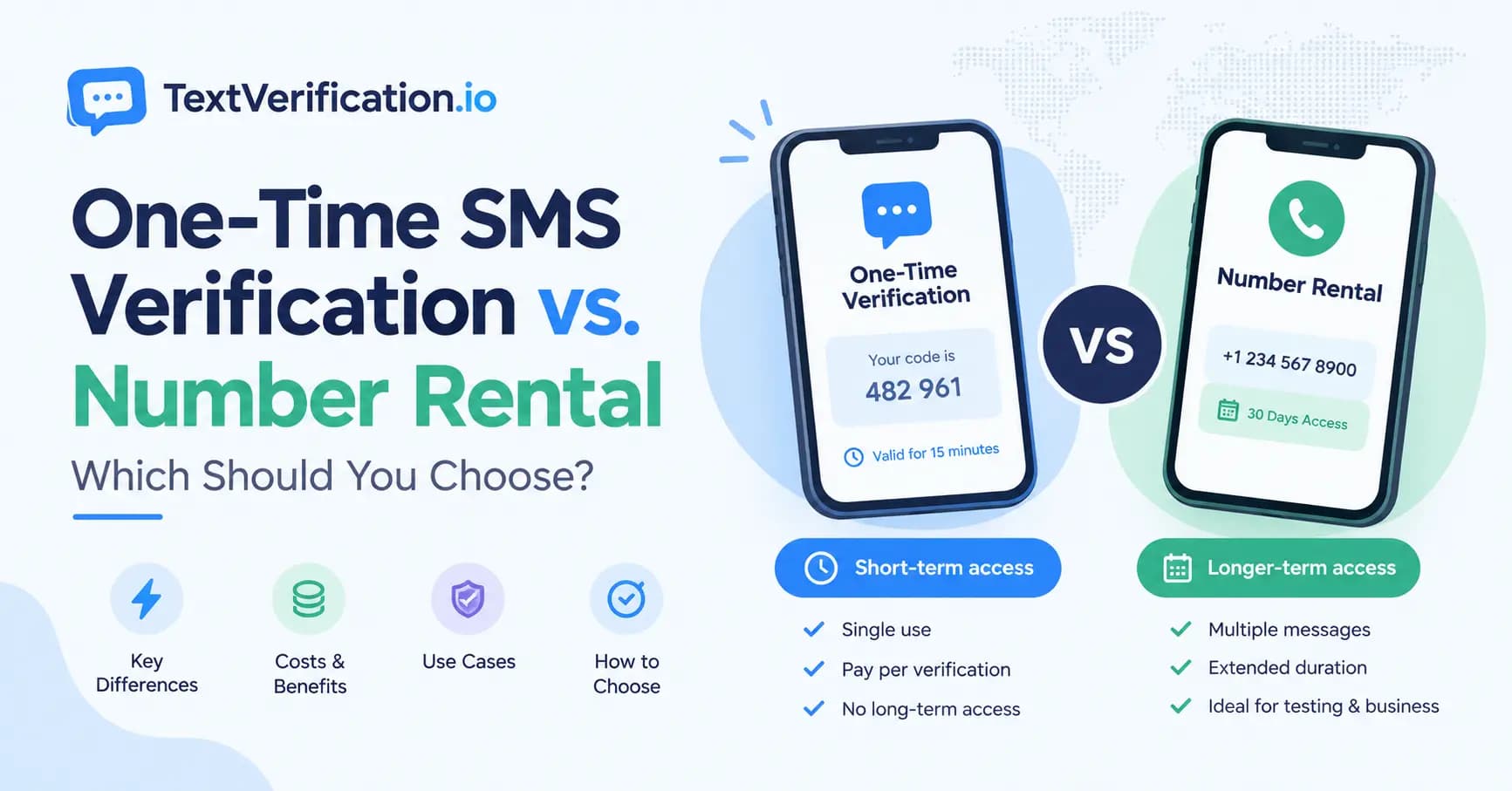
For more context, read our related guide on one-time SMS verification versus number rental.
Before publishing, confirm that the internal link above matches the actual published URL of the related article.
What Is the Difference Between an OTP and a Regular Password?
A regular password is typically created by the user and may be reused across multiple sessions until it is changed or expires.
An OTP is designed for temporary, limited use. Depending on the system, it may expire after a short period or become invalid immediately after successful verification.
Feature | Regular Password | OTP Code |
|---|---|---|
Typical use | Repeated logins | A specific verification event |
Validity | Until changed or invalidated | Usually limited by time or use |
Reuse | May be reused across sessions | Generally intended for one-time use |
How it is obtained | Created or set by the user | Generated by an authentication system |
Security considerations | Guessing, theft, reuse | Phishing, interception, social engineering |
An OTP is not automatically more secure than every password. Security depends on how the code is generated, delivered, verified, and protected.
Is an OTP Code Safe?
OTP codes can improve account security, but their safety depends on the authentication method and the user's behavior.
A correctly implemented OTP system can make it harder for an attacker to sign in using only a stolen password. However, OTPs can still be compromised.
Common risks include:
Phishing: A fake website or person tricks you into revealing a valid code.
SIM-swap attacks: A criminal takes control of a phone number and may receive SMS messages intended for its owner.
Social engineering: Someone impersonates support staff and asks you to disclose a code.
Malware: Malicious software may access messages or authentication data on a compromised device.
Account recovery weaknesses: An attacker may exploit an insecure recovery process to bypass other protections.
For sensitive accounts, consider passkeys or phishing-resistant security keys when available. SMS OTPs can still be useful, but they should not be treated as protection against every type of attack.
8 Security Tips for Using OTP Codes
Follow these practices to reduce the risk of account compromise.
1. Never Share Your OTP
Do not disclose your verification code to another person, even if they claim to work for customer support. Legitimate support staff should not need you to reveal a sign-in code to them.
2. Check Where the Code Came From
If you receive a code unexpectedly, do not share it or enter it into a page opened from an unfamiliar link. Someone may have entered your phone number or email address while attempting to access an account.
3. Use the Official Website or App
Open the official service directly instead of following suspicious links in messages. Check the website address carefully before entering a password or OTP.
4. Enable Stronger Authentication When Available
For important accounts, consider passkeys, security keys, or authenticator apps if the service supports them. These options can offer better protection against certain attacks than SMS codes.
5. Secure Your Email and Phone Account
Use a strong, unique password for your email account and enable appropriate security protections. Protect your mobile carrier account against unauthorized SIM changes where possible.
6. Do Not Reuse Verification Codes
Use a code only for the specific action and service that requested it. Never enter a code into an unrelated website or share it to complete someone else's transaction.
7. Be Careful With Temporary and Shared Numbers
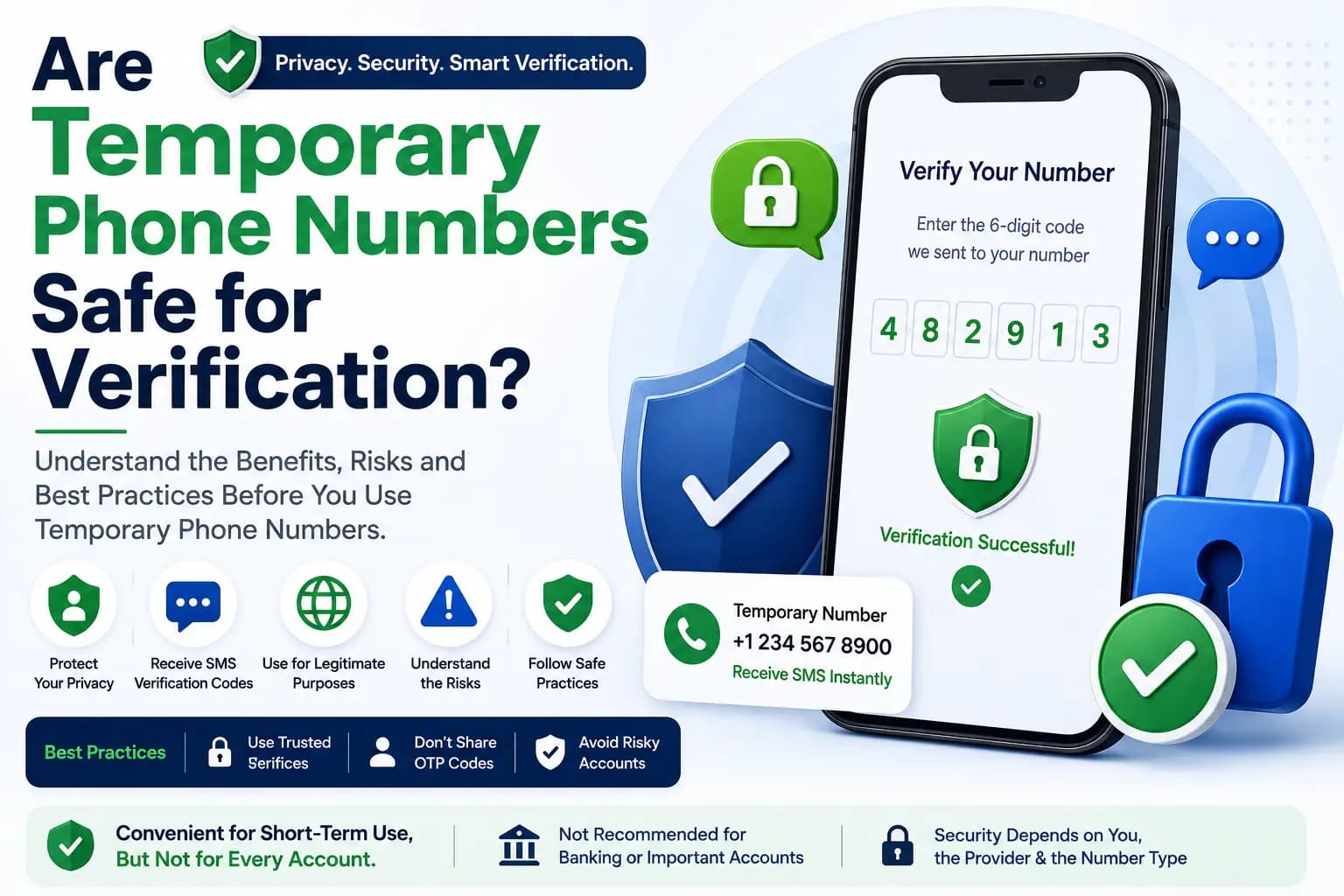
If you use a temporary or rented number for a permitted verification workflow, understand that future access to that number may not be guaranteed.
Avoid using a number you do not control for critical accounts that require reliable long-term recovery, such as banking, financial services, or primary email accounts.
8. Act Quickly if You Suspect Fraud
If you accidentally disclose an OTP, visit the official service immediately. Change your password if appropriate, review active sessions, revoke unfamiliar access, and contact the service's official support team.
Why Is My OTP Code Not Arriving?
Sometimes an OTP may be delayed or never arrive. This does not necessarily mean that the service is broken.
Common reasons include:
Weak mobile network coverage.
An incorrect phone number or country code.
Temporary delays at the service provider or mobile carrier.
SMS filtering or blocked messages.
A platform that does not support the number type.
Too many verification requests within a short period.
An expired or invalid verification session.
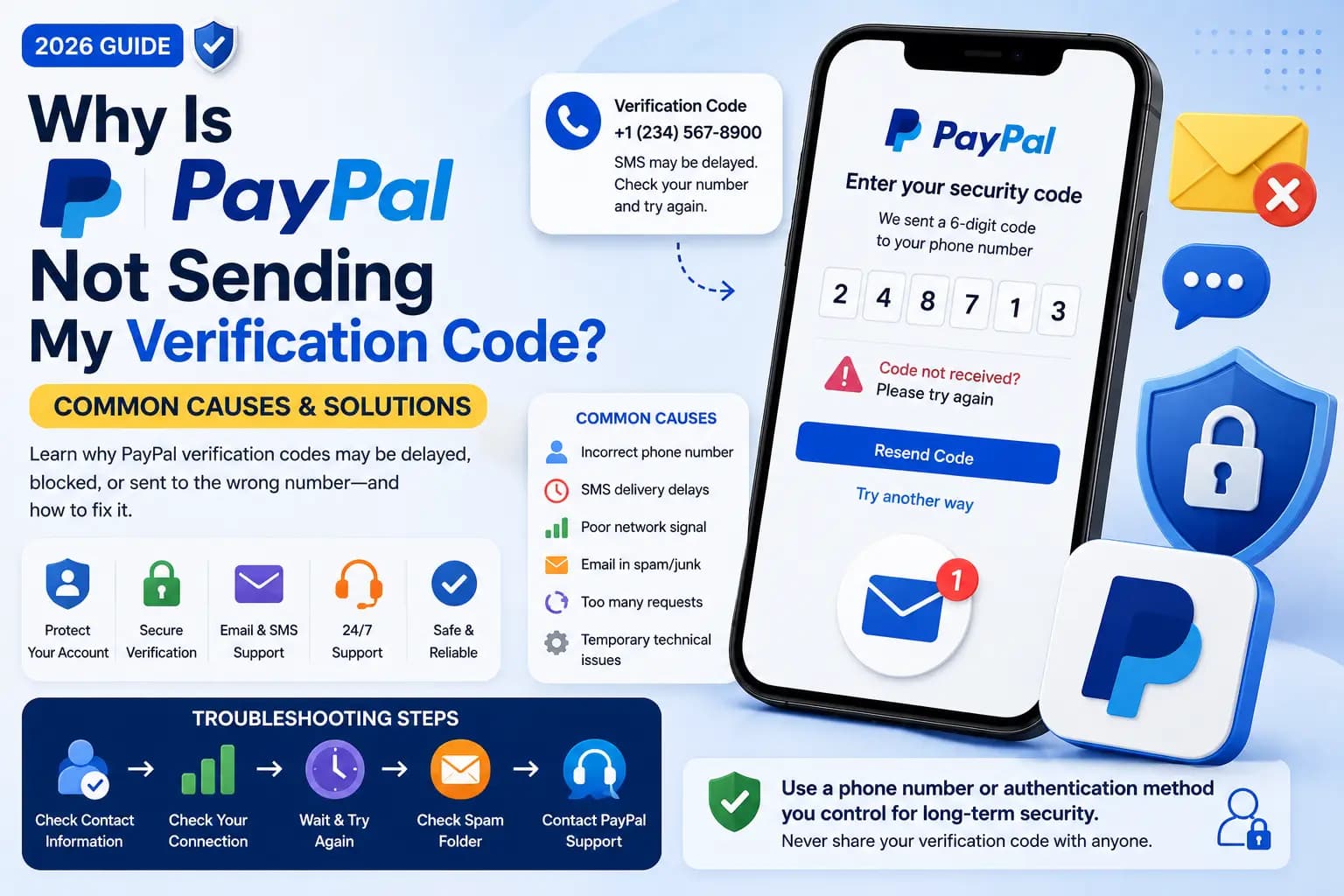
If your code does not arrive, check the number you entered, confirm that your device can receive messages, and wait briefly before requesting another code. Avoid repeatedly requesting codes, as this may trigger temporary rate limits.
You should also check whether the service supports your number type and region.
For further assistance, visit TextVerification.io and review the available options on the pricing page.
What Is the Difference Between OTP Verification and SMS Verification?
SMS verification is a method of delivering or receiving a verification message through text messaging. OTP verification refers to the use of a one-time code to confirm an authentication request or action.
The terms are related but not identical.
An SMS message can contain an OTP, but OTPs can also be delivered through email, authenticator apps, or other systems. Similarly, SMS messages can contain information that is not an OTP.
For example, a website may send a six-digit code by SMS to verify a phone number. In that case, SMS is the delivery method and the OTP is the temporary code used for verification.
Frequently Asked Questions About OTP Codes
1. What does OTP mean?
OTP stands for One-Time Password. It is a temporary code used to verify an authentication request or a specific action.
2. How many digits does an OTP code have?
Many OTP codes contain six digits, but the length and format vary by service. Some codes contain fewer or more digits, and some systems use letters or other authentication formats.
3. How long does an OTP code remain valid?
The expiration period depends on the service and authentication method. Some codes expire within minutes, while authenticator-app codes often refresh at regular intervals. Always follow the instructions provided by the service.
4. Can I use an OTP code more than once?
Most OTP codes are designed for a single use or a specific authentication event. Once a code expires or has been successfully used, you should request or generate a new one if another verification is required.
5. Why did I receive an OTP that I did not request?
Someone may have entered your phone number or email address by mistake, or someone may be attempting to access an account. Do not share the code. If you receive repeated unexpected codes, secure the relevant account through the official service.
6. Is an SMS OTP the same as two-factor authentication?
Not always. An SMS OTP can be one part of a two-factor authentication process. True 2FA requires two different authentication factors; simply receiving a code does not automatically mean that two factors are being used.
7. Are OTP codes completely secure?
No authentication method is completely risk-free. OTPs can help improve security, but phishing, SIM-swap attacks, malware, and social engineering can still compromise them.
8. Can I receive OTP codes without using my personal phone number?
Some services and providers offer alternative numbers for supported verification workflows. Availability and acceptance depend on the provider and the platform requesting verification. Always follow the platform's rules and avoid using numbers you cannot reliably access for important account recovery.
9. What should I do if my OTP expires?
Request a new code through the official website or app. Enter the latest valid code and avoid sharing it with anyone.
10. Should I use OTP verification for important accounts?
Use the strongest authentication options supported by the service. For important accounts, consider passkeys or security keys when available, and ensure your account recovery methods are secure.
Conclusion
An OTP code, or One-Time Password, is a temporary code used to verify a login, registration, transaction, or other action. It can help improve security by adding a verification step beyond a regular password.
OTP codes may be delivered through SMS, email, authenticator apps, or other authentication systems. Each method has different advantages and limitations, so it is important to choose an appropriate option for your needs.
Always keep your codes private, use official websites and apps, and enable stronger authentication where available. If you need SMS verification for a supported workflow, explore the options at TextVerification.io and compare the available plans on the pricing page.