
Picture the scene. It's the afternoon before a release. Someone on the team is holding a phone, waiting for a text, and calling out six digits across the room while another person types them into the staging site.
It works. Once. Then you have to do it again for the next build, and the one after that.
SMS one-time passwords (OTPs) are a pain to test because they live partly outside your system. A real text has to travel through a provider and a carrier to a real phone. In this guide, we'll look at how to test that flow properly: what to check, which tools to use, and how to keep it from turning into a flaky mess.
Why OTP flows are tricky to test
A few things make them harder than a normal form:
They depend on the outside world. Delivery involves your SMS provider, the carrier network, and a phone.
They're time-sensitive. Codes expire, and tests that wait too long fail for the wrong reason.
They have built-in limits. Resend cooldowns, attempt limits, and lockouts are there to stop abuse, and they'll happily block your own tests.
They touch real people's numbers. Using a teammate's personal number in test data is a privacy problem waiting to happen.
Good news: none of this is unsolvable. You just need to pick the right approach for each level of testing.
Three ways to get the code in a test
Approach | How it works | Good for | Watch out for |
|---|---|---|---|
Staff phones | A person reads the SMS and types the code | One-off manual checks | Slow, can't be automated, uses personal numbers |
Bypass or fixed test codes | Your app (or your SMS provider's test mode) accepts a known code for known test numbers | Unit and integration tests, fast CI runs | Doesn't prove real SMS delivery works |
Real numbers through an API | A script requests a real number, your app texts it, the script reads the code | End-to-end tests before release | Costs a little per number, depends on delivery timing |
Most mature teams use all three, each at the right level.
Where each approach belongs
Think of a pyramid.
Bottom (lots of tests, run on every commit): Test your OTP logic with fixed codes or mocks. Code generation, expiry, attempt counting, and lockouts don't need a real SMS at all.
Middle: Integration tests against your SMS provider's test mode, to confirm the request format and error handling.
Top (a few tests, run nightly or before release): Real end-to-end tests with a real number, to prove the whole path works, from your app to the carrier and back.
That top layer is the one people tend to skip, and it's also the one that catches problems like a provider outage, a blocked sender ID, or a number format your app mishandles.
The OTP test case checklist
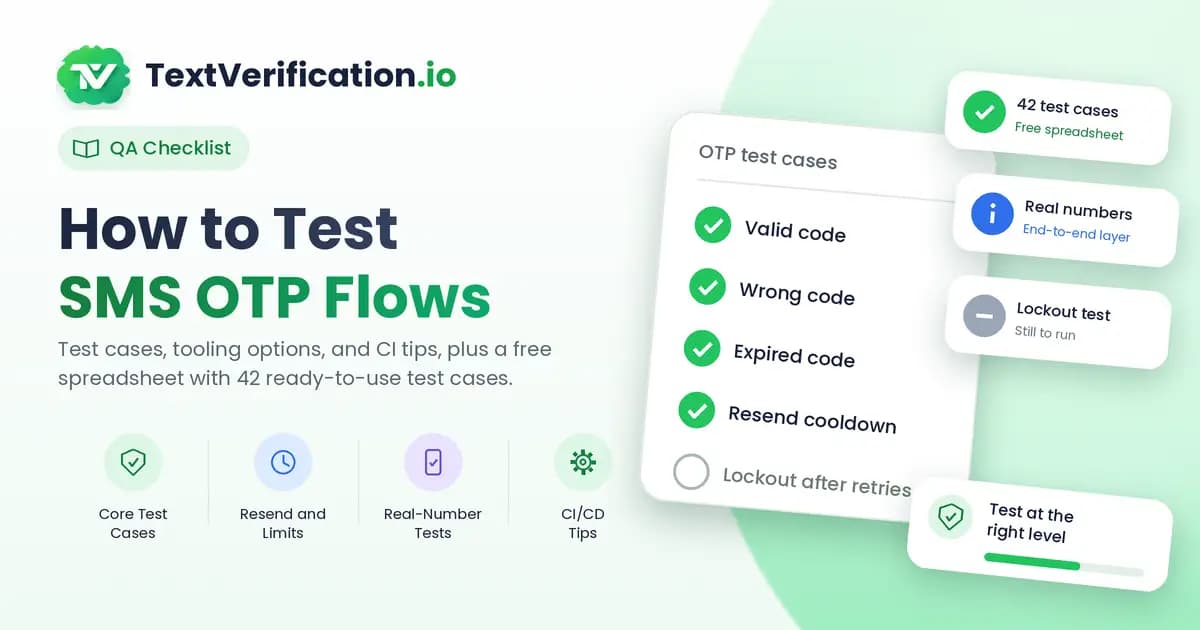
Here's a list you can copy into your test plan.
The basics
A valid code lets the user in
A wrong code is rejected with a clear message
An expired code is rejected, and the user is told how to get a new one
A code that's already been used can't be used again
Resending
Tapping resend sends a new code
The old code stops working once a new one is issued
A resend cooldown is enforced, and the timer shown to the user is accurate
Repeated resends hit a limit instead of sending texts forever
Limits and abuse protection
Too many wrong attempts triggers a lockout, and the lockout ends when it should
Requests from one number or one device are rate limited
The lockout message doesn't reveal whether an account exists
Input and format
Numbers with and without country codes, spaces, and dashes are handled consistently
Numbers from different countries work as expected
A number that's already registered behaves the way your product intends
The message itself
The text arrives in a reasonable time
The wording is clear, includes the code, and names your app
Special characters and languages display properly
User experience
Autofill works on mobile. On the web, the input field should use
autocomplete="one-time-code"The code field accepts a pasted code with a stray space
Screen readers can use the form
Line type policy
If your app blocks or limits VoIP numbers, test both a VoIP and a carrier-issued number so you know the rule works as intended. (Not sure how line types differ? See our guide to VoIP vs non-VoIP numbers, and our post on why apps block VoIP numbers.)
Setting up a real-number end-to-end test
Here's the flow for the top layer of the pyramid:
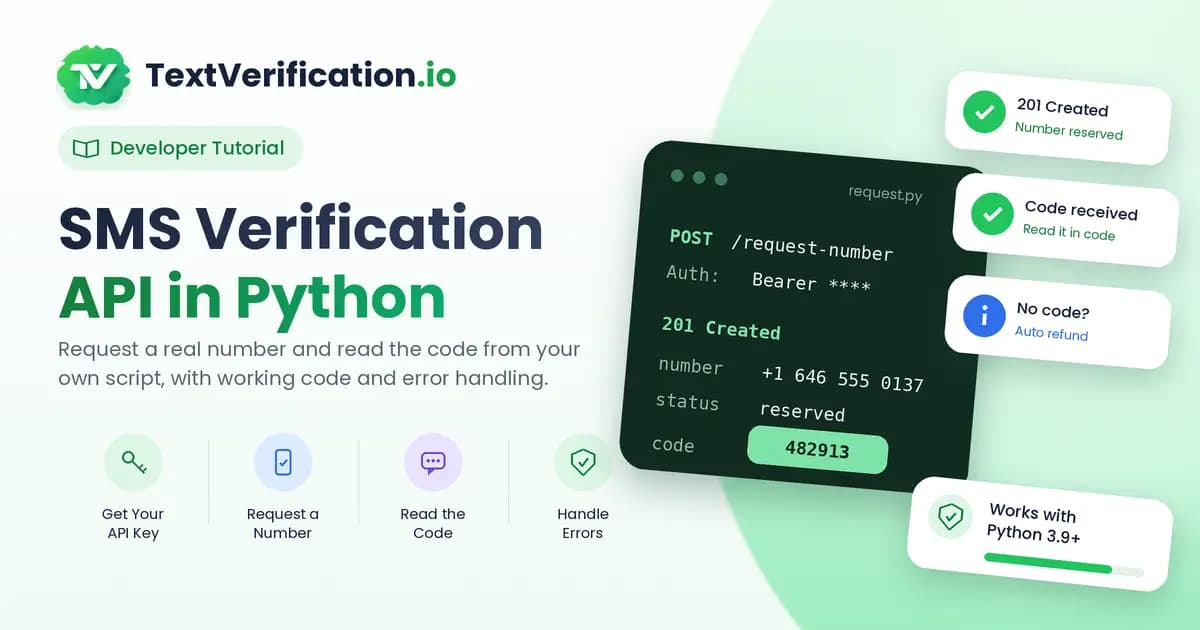
Request a number. Your test calls an SMS verification API and gets a real, carrier-issued number back. Our Python tutorial shows exactly how.
Use it in staging. The test enters the number into your sign-up or login form, using a browser tool like Playwright or Selenium.
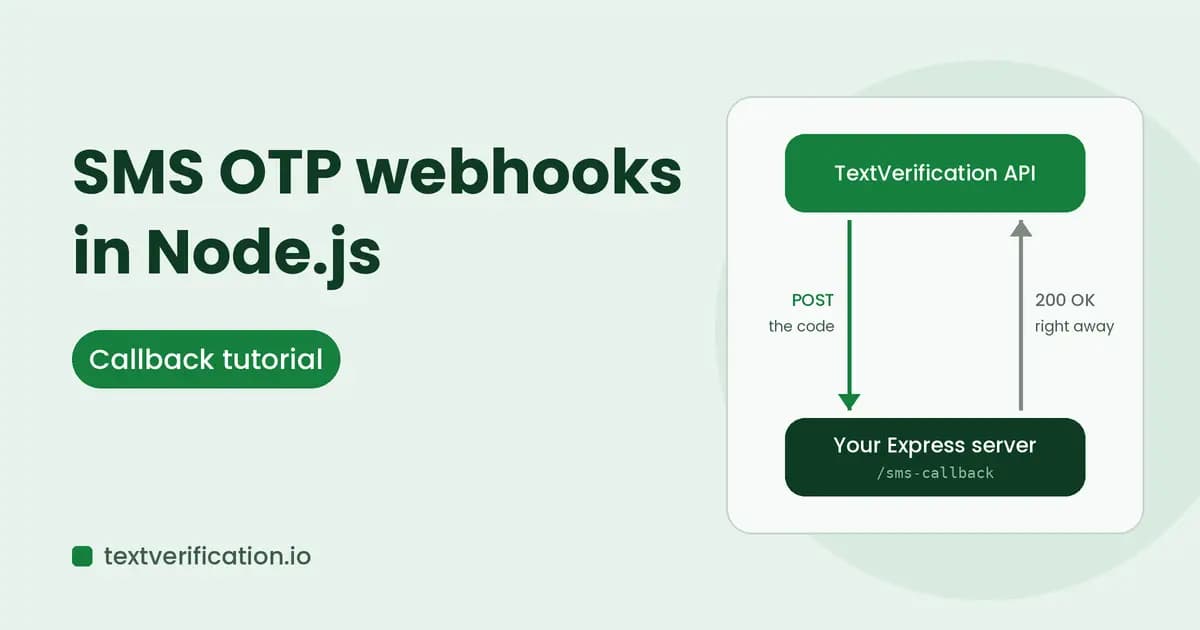
Wait for the code. Poll the API, or receive the code by callback. We cover the callback version in our Node.js webhook tutorial.
Enter the code and assert. Type the code into your app and check that the user lands where they should.
Clean up. Delete the test account and cancel any unused number.
The numbers on TextVerification come from mobile carriers, so your app treats them like ordinary mobile numbers, which is what you want when you're testing the real path. Details are in the API guide.
Tips for CI/CD
Real-SMS tests are slower than other tests, so give them their own lane:
Run them on a schedule or before release, not on every commit.
Set sensible timeouts. A one-time number is valid for a limited time, so your wait loop should stop when it does. Don't wait forever.
Retry once, not ten times. A single retry covers a rare delivery hiccup. More hides real bugs and burns money.
Keep API keys in your CI secrets, never in the repo.
Log order IDs so a failed run can be traced.
Mind the limits. Don't run twenty parallel tests against one phone number or one account, or you'll trip your own rate limits.
Privacy and good practice
Never use real customers' phone numbers in tests.
Test only against your own staging environment, or systems you have permission to test.
Don't create fake accounts on third-party services, and follow their terms.
Clean up test data so it doesn't linger in analytics, marketing lists, or databases.
Common failures and what they usually mean
What you see | Likely cause |
|---|---|
Code never arrives in staging | Provider in test mode, sender blocked, or number format wrong |
Works manually, fails in automation | Test is typing before the field is ready, or reading the code too early |
Fails only in CI | Network timeouts, missing secret, or parallel tests hitting a rate limit |
Intermittent failures | Slow delivery. Check your timeout against real delivery times |
Code accepted twice | Missing "used code" check. That's a real bug worth fixing |
Quick FAQ
Should every OTP test use a real SMS? No. Use fixed codes and mocks for most tests, and keep real SMS for a small end-to-end suite.
How do I stop OTP rate limits from blocking my tests? Use a different number per test run and, where you control it, relax limits in staging. Don't switch them off completely, or you'll never test them.
Can real SMS tests ever be 100% reliable? Not entirely, because delivery depends on outside networks. Good timeouts and a single retry keep flakiness low.
Do I need to pay for every test? Numbers are priced per order, and if no code arrives before expiry, the amount returns to your balance automatically. You can see current costs on the pricing page.
The takeaway
Testing SMS OTP flows doesn't have to mean a person with a phone. Cover the logic with fast tests, keep a small suite of real-number checks for the full path, and run it on a schedule that fits your release rhythm.
Want to try the end-to-end layer? Create a free account, grab an API key, and start with the first step of the Python tutorial.