
Table of Contents
Introduction
Telegram virtual number explained
Why Telegram Needs Your Phone number?
Is It Possible to Use a Virtual Number for Telegram?
Free vs. Paid Virtual Numbers
Getting a Virtual Number for Telegram
What needs to be kept in mind to benefit from a virtual number
Privacy Tips
Common Verification Problems
Frequently Asked Questions
Final Thoughts
Introduction
Telegram is among the most used messenger apps all over the world, which provides fast, cloud-based messaging with end-to-end encryption and support for large groups as well as channels. Today is also used by millions of people every day for personal communication, business purposes, education and internet communities.
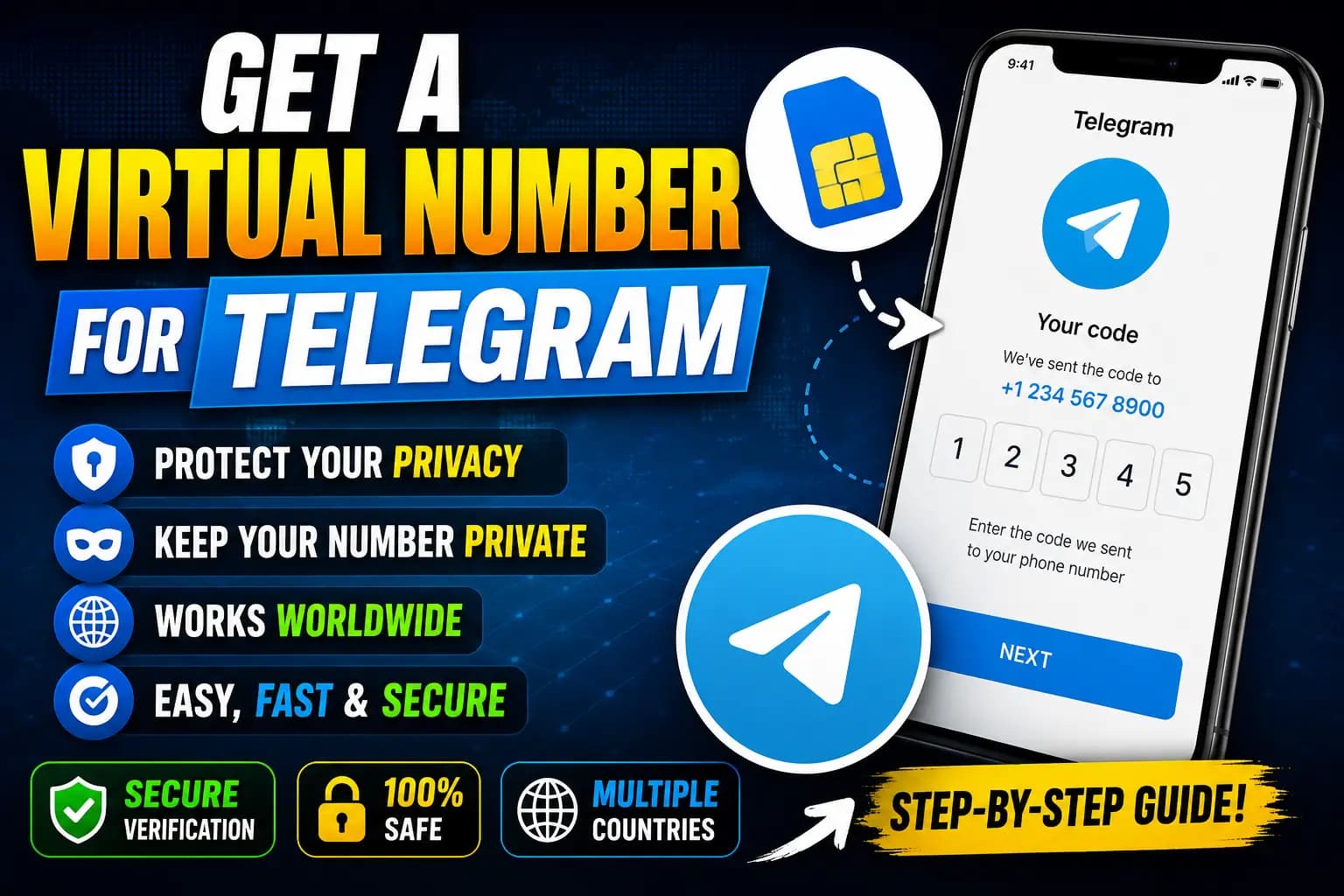
Unlike other services, when making a Telegram account you need to first verify your phone with an SMS verification code. Due to this reason, many are on the lookout for a virtual number for Telegram as they do not want to share their personal mobile number.
In addition, while some users are looking for a free phone number for Telegram to protect their privacy, others prefer to buy a virtual number for Telegram that is better suited to your needs in terms of reliability and access over time. Other top searches are free Telegram virtual phone number, Telegram temporary numbers, SMS receiving free through Telegram, and more.
This guide will explain how do Telegram virtual numbers work, compare free and paid solutions, discuss pros and cons of each option, share some basic privacy tips you need to keep in mind before making a choice.
Telegram virtual number explained
Telegram virtual number – what do we mean by this term?
A virtual phone number is a number that allows receiving SMS verification codes without being linked to the physical SIM card.
Typical uses for those numbers include:
Creating online accounts
Receiving OTP verification codes
Registering messaging applications
Separating business and personal communications
Improving online privacy
Most SMS verification providers provide you with virtual numbers from other countries to receive the Telegram verification code. However, acceptance will be subject to the verification policies adopted by Telegram at this date.
Why Telegram Needs Your Phone number?
Getting a Phone Number to Be able to Use Telegram
At registration, Telegram asks users to verify their phone for the following reasons:
Please prove you are a human being
Prevent spam accounts
Reduce automated registrations
Improve account security
Support account recovery
Telegram will then send an SMS with a one-time verification code which you need to enter before accessing your account.
A phone number is required at the time of registration, however, once you have created your account Telegram has privacy settings that you can use to govern who can see your phone number.
Is It Possible to Use a Virtual Number for Telegram?
Do You Actually Need a Valid Number for Telegram, Or Can You Use a Virtual Number?
Yes, in some cases.
A lot of users have successfully registered on Telegram with a virtual phone number. But whether a specific number is working or not will depend upon various factors like:
Telegram's current verification policies
The whole call reputation of the phone number
If the number has been recycled a lot
The quality of the SMS provider
Country availability
Telegram frequently updates its verification systems, but absolutely no SMS provider can guarantee that every virtual number always works.
Pick a number that you know will have access to later to log in or recover the account if you plan on keeping your Telegram account for a long time.
Free vs. Paid Virtual Numbers
So, a lot of users keep looking for Free Telegram VIRTUAL PHONE NUMBER to bypass SMS verification.
Public SMS message receiving for free services can be a more or less slight disadvantage.
Shared by many users
Frequently blocked by popular platforms
Limited country availability
Lower success rates
Publicly visible SMS messages
Little or no customer support
Because these numbers are nonexclusive, someone else might have already used — or use later — the same number. This makes them a poor fit for accounts that you may need access to long term or to protect securely.
Paid Virtual Numbers for Telegram
Having said that, usually buying a virtual number for Telegram is much better.
Benefits include:
Higher verification success rates
Private access to SMS messages
More country options
Faster SMS delivery
Dedicated customer support
Lower risk of number reuse
Better long-term account management
It is often more reliable than using free services if you frequently create accounts or manage business communications, purchasing a virtual number.
Getting a Virtual Number for Telegram
Temporary Phone Numbers for Telegram
Temporary phone number for Telegram is used for brief verification.
It can be useful for:
Testing an application
Creating a secondary account
Registering for a temporary project
But temporary numbers may not be appropriate for long-term Telegram accounts. It can be a hassle to get your account back later if you lose the number especially since Telegram might ask for another verification code.
What needs to be kept in mind to benefit from a virtual number
Choosing A Suitable Telegram Number on the Virtual Level
However, not every virtual phone number provides the same level of reliability. Opting for a reliable provider can enhance your success rate with Telegram verification codes and simplify long-term account management.
Important things to consider while selecting a virtual number for Telegram:
Private SMS Delivery
Get an SMS verification code through a provider that sends private messages rather than public inboxes where anyone can read the messages.Country Availability
Several providers are offering this functionality with virtual numbers available in multiple countries. Pick any supported country of your choice on Telegram.Number Quality
Well used numbers stand lower chances of acceptance. Providers who update their inventory of phone numbers tend to be more reliable.Customer Support
In case of any delays and verification issues, a responsive customer support can resolve the issue much faster.Pricing
While free services may appear appealing, a paid virtual number usually gives far more dependability, much better personal privacy, and dedicated customer care. You will need to compare features and pricing before choosing.
Privacy Tips
Privacy Tips for Telegram Users
Telegram has a number of privacy options to help you keep your personal data more secure.
Hide Your Phone Number
Adjust your privacy settings accordingly to restrict access to your phone number on Telegram.Enable Two-Step Verification
In fact, you should enable Telegram two-step verification to secure your accounts better.Use a Strong Password
If two-step verification is on, such as a long, new password you haven't used anywhere else.Be Careful with Public Groups
Only share sensitive personal information privately and with trusted people, not in public channels or large community groups.Keep Recovery Information Accessible
When registering with a virtual number, keep this number accessible; if Telegram asks to verify by telephone again in the future.
Common Verification Problems
Common Telegram Verification Problems
While getting verified on Telegram is generally easy, some people may find it difficult.
Verification Code Not Received
Possible causes include:
Network delays
Incorrect phone number
Temporary server issues
SMS delivery problems
Try again after waiting for a few minutes and then request an another verification code.
Number Already Used
Well, if Telegram says that the phone number is busy, then it is possible that this number was used before. If you think this is a mistake, contact Telegram Support.
Number Not Accepted
Numbers can be rejected by telegram according to its security systems or current verification policies. Both free and paid virtual numbers can trigger.
Too Many Verification Attempts
Sending multiple verification codes in a short time will temporarily restrict the sending of others. Please wait for while and then retry.
Frequently Asked Questions
Is it possible to have a virtual number for Telegram?
Yes. This is why Telegram accounts are created using virtual phones by many users. But your success depends upon verification policies at the moment on Telegram or how much good number is.What telegram needs a phone number?
Yes. Telegram, for instance, requires a phone number to verify each new account.How to get Free Virtual Phone Number For Telegram?
Free virtual numbers will work, but since they are shared, it is usually less reliable and more likely to get rejected.Then, we come to the question of whether buying a virtual number actually makes sense or if it is better to use a free virtual identity?
In most cases, yes. Virtual numbers that require payment tend to be better in terms of privacy, reliability and speed, as well as customer support.Your maximum number of Telegram accounts
Yes. Telegram permits you to have more than one account on a single device, however each registered Telegram account must be with a different phone number and meeting required Terms of Service.Are temporary phone numbers safe?
If you want to verify but only for a short time, temporary numbers will do the job but not for long-term accounts where future verification or account recovery is required.Can Telegram reject virtual numbers?
Yes. Some virtual numbers may get declined by Telegram, depending on how the verification policy and security system are organized. Acceptance is never guaranteed.Is my phone number visible to other people?
Not necessarily. Privacy settings: Telegram contains privacy features that allow you to select who can see your phone number.What will I do if I do not receive the verification code?
So verify your phone number, make sure you have a good connection, wait some minutes and ask for another verification code.Can you change your Telegram phone number after?
Yes. Using the settings in app telegram you can change the number linking to your account.
Final Thoughts
A virtual number is an alternative as it makes it still feasible to create a telegram account without using your personal phone number, which some people may wish to protect. While image creditTemporary number for Telegram in United KingdomWhether you are looking free phone number for Telegram, or going to purchase a virtual number for Telegram, or you want Temporary phone number for Telegram so this continue reading & understand advantages and disadvantages of choosing any option.
Free virtual numbers might make a good choice for temporary testing, but they generally bring much lower delivery rates (unreachable at times), shared access, as well as low reliability. Paid virtual numbers almost always offer higher odds of SMS delivery, greater privacy, access to personal messages and customer support, making it the best option for long-term Telegram use.
Whatever option is selected, make sure to follow Telegram's Terms of Service, activate and use two-step verification, and keep the phone number you use in case you need future access for verification or account recovery. By selecting a trustworthy virtual number, and using a good security policy — you will keep your privacy secured while using Telegram.
Telegram Registration Using a Virtual Phone Number
Many users wonder whether it's possible to create a Telegram account without using their personal phone number. While Telegram may require SMS verification during the registration process, some users choose to use a virtual phone number to help protect their privacy.
TextVerification.io provides virtual phone numbers that can receive SMS verification codes for thousands of online platforms. Depending on Telegram's current verification policies, these numbers may be accepted for account verification, allowing you to keep your personal phone number private.
Why Use TextVerification.io?
With TextVerification.io, you can:
Purchase a one-time SMS verification number at an affordable price.
Rent a virtual number for extended use, including plans of up to 3 months.
Buy bulk virtual numbers for businesses, developers, or large-scale verification needs.
Create an account using only an email address, without providing unnecessary personal information.
Access virtual numbers from multiple countries for supported online services.
How to Get a Virtual Number for OTP Verification
Follow these simple steps:
Create a free account on TextVerification.io.
Add funds using one of the available payment methods.
Choose the service that fits your needs:
Buy Number (S1) – One-time verification
Buy Number (S2) – Alternative one-time option
Rental Number (LTR) – Long-term number rental
Select your preferred country.
Search for Telegram in the list of supported services (if available).
Click Order Number.
Copy the assigned virtual phone number.
Enter the number during the Telegram sign-up process.
Wait for the SMS verification code to appear in your TextVerification.io dashboard.
Enter the verification code to complete your account registration.
Important Note:
Acceptance of virtual phone numbers depends entirely on Telegram's current verification and security policies. Some virtual numbers may be accepted, while others may be rejected. In addition, it's recommended that you maintain access to the number you use, as Telegram may request it later for account recovery, login verification, or additional security checks.
Using a virtual number can be a convenient option for users who want to enhance their privacy, but it does not guarantee successful account creation. Always follow Telegram's Terms of Service and be prepared to complete identity verification if requested.