
SMS Verification API
Phone number verification is an important part of creating secure online accounts, protecting user access, and reducing fake registrations. Whether you operate a SaaS platform, mobile application, online marketplace, or customer portal, confirming that a user can access a phone number can help improve account security.
An SMS verification API allows developers to integrate phone verification into a website or application. Depending on the provider and implementation, the system can send a one-time password (OTP) to a user's phone and verify the code before allowing an action to continue.
In this guide, you'll learn what an SMS verification API is, how it works, its main benefits, common use cases, and what to consider when selecting a verification provider.
What Is an SMS Verification API?
An SMS verification API is a software interface that enables an application to initiate and manage phone number verification through text messages.
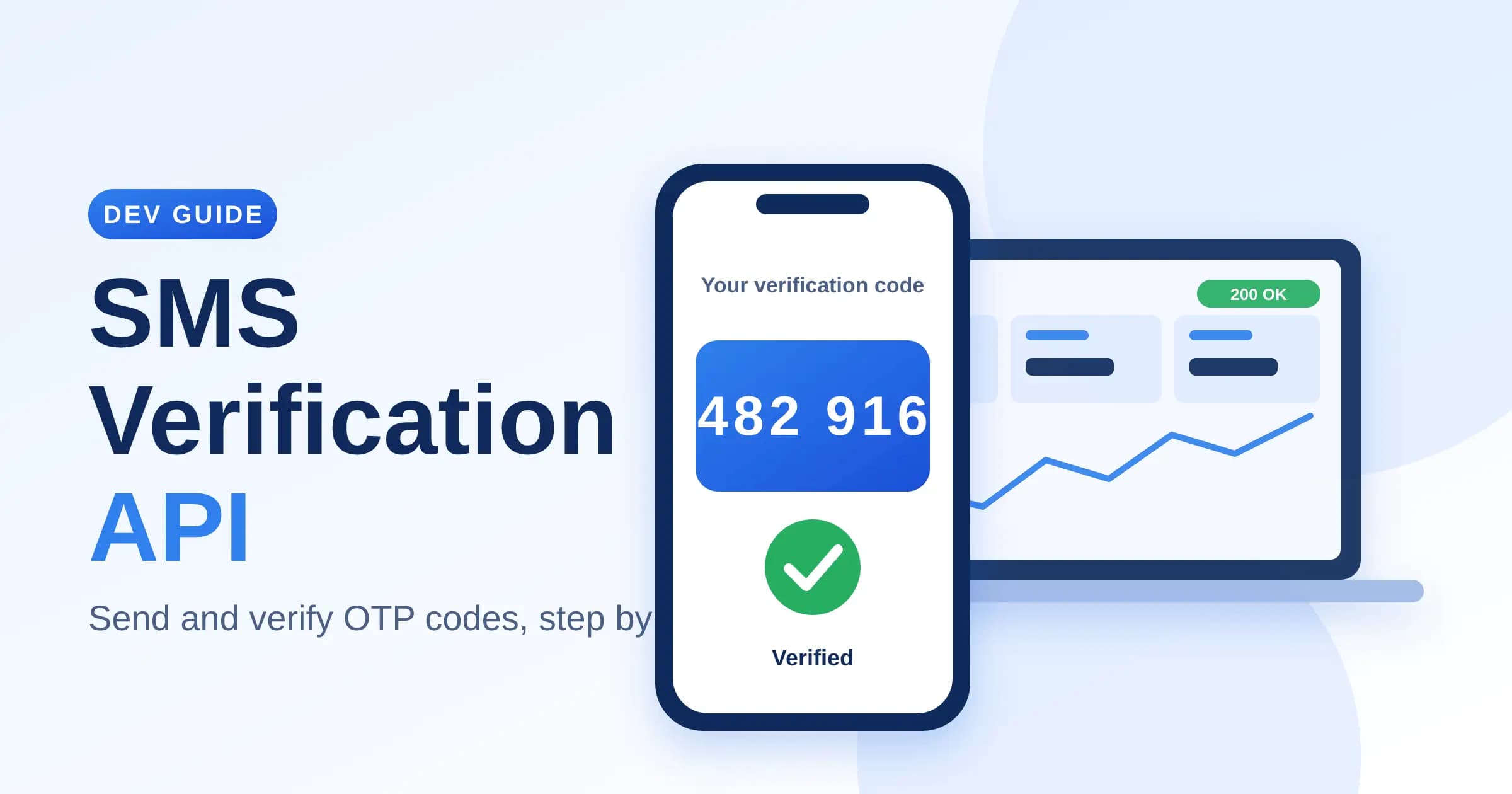
For example, imagine a user signing up for your website. After entering a phone number, the user requests a verification code. Your application sends the request to a verification service, which helps deliver the code. The user enters the received code, and the system checks whether it matches the expected value and is still valid.
If the code passes verification, your application can mark the phone number as verified for the intended purpose.
An SMS verification API can help developers avoid building every part of the verification process from scratch. However, the exact features depend on the provider. Some services manage code generation and validation, while others provide messaging APIs that require developers to implement additional verification logic.
What Is an OTP?
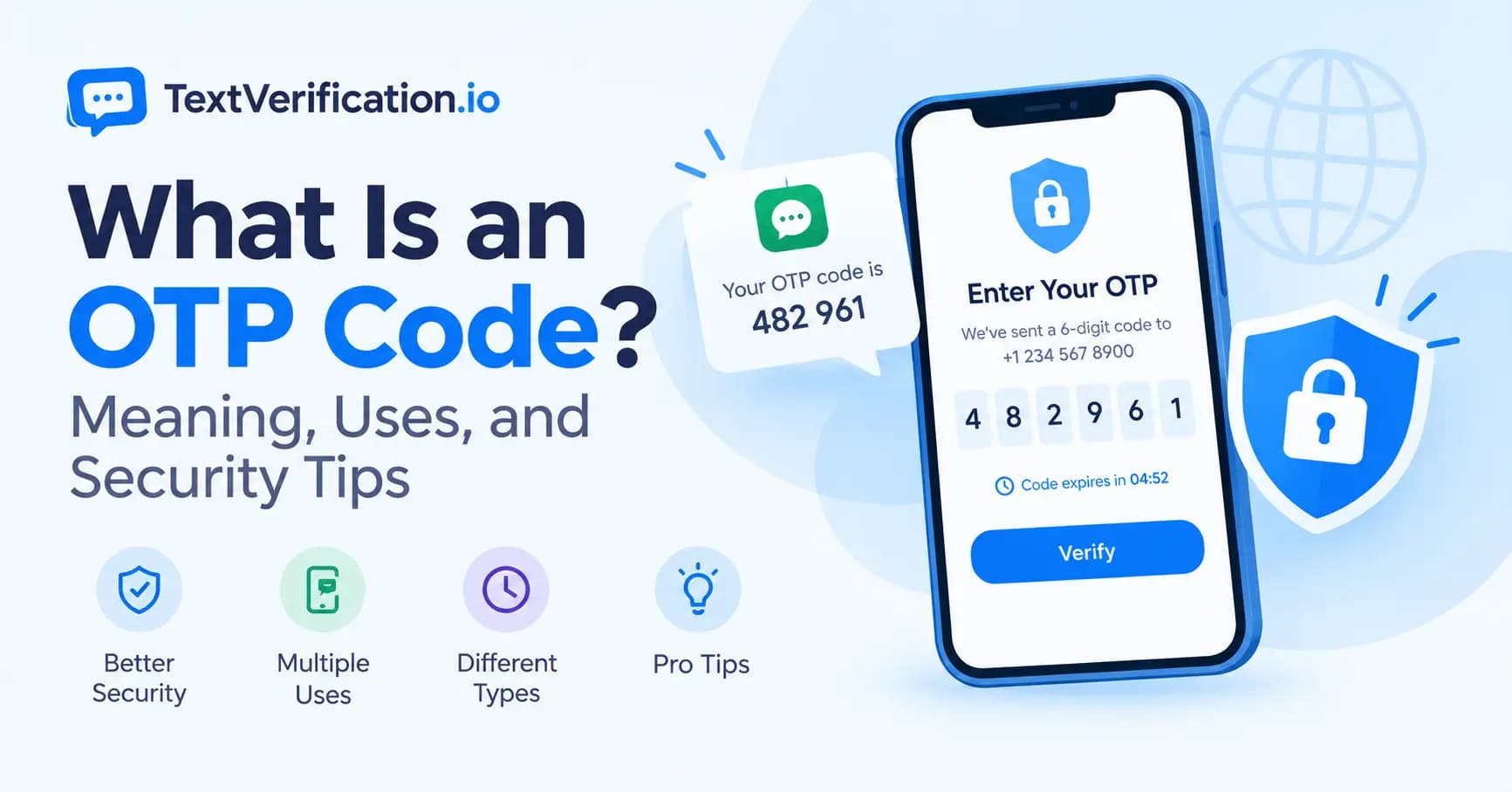
OTP stands for one-time password. It is a temporary code used to confirm a user action, such as registering an account, signing in, or resetting a password.
An OTP may contain numbers or a combination of characters, depending on the system. SMS-based OTPs are commonly numeric and are intended to be used within a limited period.
Learn more in our related guide: What Is an OTP Code? Meaning, Uses, and Security Tips. Add the link to your published OTP article here.
How Does an SMS Verification API Work?
Although implementation details vary, a typical SMS verification process follows several steps.
Step 1: The User Enters a Phone Number
A user enters a phone number into your registration form, login page, or verification screen.
Your application should validate the number's format before sending a request. International numbers are often handled using the country code and a standardized format such as E.164.
Step 2: Your Application Requests Verification
The frontend sends the phone number to your backend. The backend then makes an authenticated request to the verification provider.
API credentials should remain on the server. Never expose secret API keys in browser-side JavaScript, public mobile application code, or client-visible repositories.
Step 3: A Verification Code Is Sent
Depending on the service, the provider generates and sends an OTP or delivers a message containing a code generated by your own application.
The provider's supported countries, number types, delivery routes, and service restrictions determine whether a message can be delivered successfully.
Step 4: The User Enters the OTP
The user receives the code and enters it into the verification form.
Your application should allow a reasonable amount of time for delivery and provide a clear option to request another code when appropriate.
Step 5: The Code Is Validated
The backend checks the submitted code using the provider's verification endpoint or the application's own secure validation process.
The system should reject expired, incorrect, previously used, or otherwise invalid codes.
Step 6: The Application Updates Verification Status
After successful validation, your application records that the phone number has been verified for the intended purpose.
Verification should be associated with the correct account and action. A successful code check should not automatically grant unrelated permissions or bypass other security requirements.
Key Benefits of an SMS Verification API
1. Easier Integration
An API gives developers a defined way to connect phone verification with an existing website, mobile application, or backend service.
Instead of creating an entire messaging infrastructure, developers can integrate a provider's available features into their own workflow.
2. Reduced Fake Registrations
Phone verification can add friction to automated registrations and make certain forms of abuse more difficult.
However, it does not eliminate fake accounts. Attackers may use disposable numbers, compromised accounts, automated systems, or other methods to bypass weak verification processes.
Combine phone verification with rate limits, bot detection, and other appropriate anti-abuse measures.
3. Improved Account Recovery
A verified phone number may support account recovery or identity checks when a user loses access to an account.
For sensitive accounts, SMS should not necessarily be the only recovery method. Offer additional secure options where appropriate.
4. A Familiar User Experience
Many users understand how to receive and enter an SMS code. A straightforward verification screen can help users complete registration without learning a complicated process.
Keep the instructions clear, explain what to do if a code does not arrive, and avoid requesting unnecessary personal information.
5. Support for Multiple Markets
Some providers support international messaging and phone number verification across multiple countries.
Before choosing a service, confirm coverage for your target markets, supported number types, delivery limitations, and any regional restrictions.
International availability does not guarantee that every message will arrive or that every receiving platform will accept a particular phone number.
6. Better Control Over Verification Workflows
Depending on the API, developers may be able to configure code expiration, resend rules, attempt limits, callbacks, reporting, or other verification settings.
Review the actual API documentation to confirm which features are supported rather than assuming they are included with every plan.
Common Use Cases for SMS Verification APIs
SMS verification can support many types of applications. The appropriate implementation depends on the risks associated with each workflow.
User Registration
Websites and applications may ask new users to verify a phone number during account creation.
This can help establish that the user can receive messages at that number. It does not, by itself, prove a person's real-world identity.
Login Verification
Some applications use SMS codes as an additional login step. This can provide another check, although SMS is vulnerable to risks such as SIM swapping, message interception, and account takeover through compromised phone accounts.
For high-risk accounts, consider stronger authentication methods such as passkeys or authenticator-based methods.
Password Reset and Account Recovery
A verification code may be used as part of a password reset or account recovery process.
Make sure the reset workflow does not reveal whether a particular account exists, and apply rate limits to prevent attackers from repeatedly requesting codes.
E-Commerce and Online Marketplaces
Online stores and marketplaces may use phone verification to help manage registrations, confirm contact details, or reduce certain types of abuse.
Verification should complement fraud monitoring and transaction risk controls rather than replace them.
SaaS Platforms
Software-as-a-service companies may use phone verification when creating accounts, changing sensitive account settings, or recovering access.
For business applications, consider role-based access, audit logs, and stronger authentication for administrators.
Customer Contact Validation
Businesses may verify that a phone number can receive a message before using it for service updates or other legitimate communications.
Verification does not automatically constitute consent to marketing messages. Follow applicable privacy, telecommunications, and messaging laws.
SMS Verification API vs. Manual Phone Verification
Manual verification and API-based verification serve similar goals, but they work differently.
Feature | SMS Verification API | Manual Verification |
|---|---|---|
Process | Integrated into software | Usually handled by a person |
Speed | Can be fast, depending on delivery and implementation | Depends on staff availability |
Scalability | Suitable for automated workflows | May require more staff as volume grows |
Integration | Requires development and testing | May require less initial coding |
Consistency | Can apply standardized rules | May vary by operator |
Cost | Depends on provider, volume, and development | Includes staff time and operational expenses |
An API is often a practical choice when verification needs to happen inside a digital product at scale. Manual verification may still be useful for exceptional cases, customer support, or additional reviews.
How to Choose the Right SMS Verification API Provider
Not all providers offer the same features, pricing structure, or coverage. Evaluate the following factors before integrating a service.
1. Country Coverage
Check whether the provider supports your intended countries and whether there are limitations for specific destinations or number types.
If your users are international, verify the coverage you actually need rather than relying on a general claim of global availability.
2. API Documentation
Look for clear documentation covering authentication, endpoints, request parameters, response codes, error handling, and code examples.
A sandbox or test environment can make it easier to evaluate an integration before launching it to real users.
3. Pricing and Billing
Understand how the service charges for messages or verification attempts. Some providers charge for successful verifications, while others charge for message submission, delivery, or other events.
Review minimum deposits, expiration policies, failed attempts, refunds, and any additional fees before committing.
You can direct readers to the TextVerification.io pricing page here once you confirm its live URL.
4. Reliability and Delivery Reporting
Check whether the provider offers delivery reports, status callbacks, error information, and monitoring tools.
Message delivery may be affected by carrier filtering, network conditions, destination restrictions, and the receiving platform. A good integration should handle failures gracefully.
5. Security and Privacy
Use HTTPS for API requests, protect credentials, restrict access to verification data, and avoid logging OTPs unnecessarily.
Review the provider's privacy policy, data retention practices, access controls, and applicable compliance requirements.
6. Rate Limits and Abuse Prevention
Your application should limit how often a user can request a code and how many verification attempts can be made.
Consider controls based on account, IP address, phone number, device, or other appropriate signals. Design these limits carefully to reduce abuse without unnecessarily blocking legitimate users.
7. Developer Support
Check whether the provider offers useful documentation, support channels, integration examples, and troubleshooting guidance.
Good support can reduce the time required to diagnose delivery failures and API errors.
SMS Verification API Security Best Practices
A verification API can support account security, but only when implemented correctly.
Keep API keys private. Store credentials in server-side environment variables or a secure secrets manager.
Use HTTPS. Protect requests and responses while data travels between systems.
Expire codes. Set a short, appropriate validity period.
Limit attempts. Restrict repeated code requests and incorrect submissions.
Prevent code reuse. Mark a successfully used OTP as consumed.
Bind verification to the intended action. A code requested for registration should not automatically authorize a sensitive account change.
Avoid leaking information. Do not reveal whether a phone number belongs to an existing account unless the workflow explicitly requires it and the risk has been assessed.
Monitor suspicious activity. Watch for repeated requests, unusual traffic patterns, and excessive failed attempts.
Minimize stored data. Keep only the information necessary for the service and retain it only as long as appropriate.
Offer stronger authentication when needed. SMS is not phishing-resistant and should not be treated as the strongest authentication option.
Following these practices helps make verification more reliable and reduces common implementation risks.
How to Get Started with TextVerification.io
If you're exploring phone verification services, start by identifying your use case and the type of integration you need.
Define your workflow. Decide whether you need registration verification, account recovery, phone validation, or another supported use case.
Review available services. Visit TextVerification.io to explore the platform and determine whether its current features fit your requirements.
Review pricing and restrictions. Confirm current costs, supported countries, number availability, and any platform-specific limitations.
Check API availability and documentation. If you need programmatic integration, review the current API documentation and confirm the supported endpoints and authentication method.
Test before launch. Use a test environment if available and verify successful requests, invalid codes, timeouts, rate limits, and error handling.
Monitor your integration. Track failures and delivery issues without exposing OTPs or other sensitive information in logs.
Important: Confirm the current API features, pricing, and documentation on TextVerification.io before publishing claims about specific endpoints or integration capabilities.
For more information about one-time passwords, read our related article: What Is an OTP Code? Add the verified URL to this internal link before publishing.
Frequently Asked Questions
What is an SMS verification API?
An SMS verification API allows an application to integrate phone number verification through SMS. Depending on the provider, it may handle code generation, message delivery, code validation, or only some of these functions.
How does SMS OTP verification work?
A user requests a code, receives it by SMS, and submits it to the application. The backend validates the code and its expiration status before marking the relevant verification step as complete.
Is an SMS verification API secure?
It can be part of a secure system when implemented with short-lived codes, attempt limits, secure API credentials, HTTPS, and appropriate monitoring. SMS has known security limitations, so higher-risk applications should consider stronger authentication methods.
Can an SMS verification API support international users?
Some providers support multiple countries, but coverage varies. Confirm the specific destinations, supported number types, restrictions, and pricing before integrating the service.
Why might an SMS verification code fail to arrive?
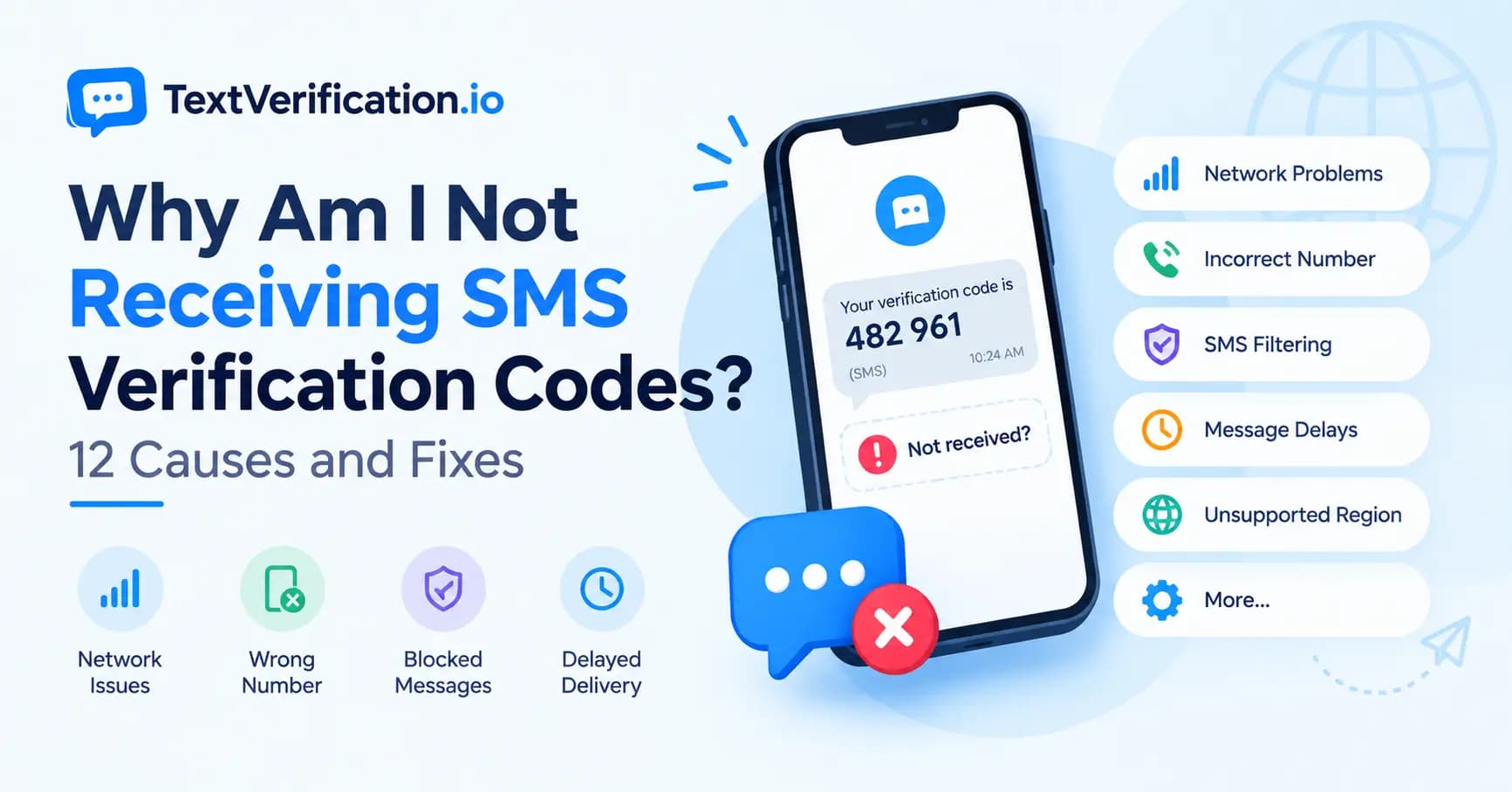
Possible causes include an incorrect phone number, carrier filtering, network delays, destination restrictions, unsupported number types, or temporary provider issues. Applications should provide clear troubleshooting steps and controlled resend options.
Is an SMS verification API suitable for a small business?
It can be suitable for small businesses that need automated phone verification. The best option depends on expected volume, supported countries, integration requirements, security needs, and total cost.
Does phone verification prove a user's identity?
No. It generally indicates that someone could access a phone number or receive a code at a particular time. It does not independently prove the person's legal identity or ownership of every account associated with that number.
What is the difference between an SMS API and an SMS verification API?
A general SMS API may let an application send messages of different kinds. An SMS verification API focuses on verification workflows and may include features such as code generation, expiration, validation, and attempt controls. The exact distinction depends on the provider.
Conclusion
An SMS verification API can help businesses integrate phone verification into websites, mobile applications, and online services. It can simplify verification workflows, support account registration, and add a useful layer of protection against some forms of abuse.
Choosing the right provider requires more than comparing prices. Consider country coverage, API documentation, reliability, privacy, security features, and the needs of your users.
If you're researching phone verification solutions, visit TextVerification.io to explore the available services and check whether they fit your project.
Start with a clear use case, test the integration carefully, and combine SMS verification with appropriate security controls for a better user experience.
API page — SMS verification API
Pricing page — pricing and available services
OTP article — What Is an OTP Code?
Non-VoIP article — non-VoIP phone numbers