
You sign up for a loyalty card at a store. A week later, your phone starts buzzing with texts about a "missed delivery" you never ordered, and calls from numbers you don't recognize.
Sound familiar? You're not unlucky, and you probably didn't do anything dramatic. Phone numbers leak in quiet, boring ways, and once yours is out there, it's hard to pull back.
The good news is you can slow the flood a lot. Here's how numbers get out, and seven things you can do about it.
Why your phone number matters more than you think
A phone number isn't just a way to be called. For most of us it's become a kind of ID.
Banks text codes to it. Email and social accounts use it for password resets. Delivery apps, messaging apps, and marketplaces all treat it as proof you're a real person. And because it rarely changes, it's one of the easiest ways for companies (and scammers) to connect your accounts across different sites.
That's why a leaked number is more than an annoyance. It can lead to targeted phishing, spam, and in the worst cases, attempts to take over your accounts.
How phone numbers get leaked
Most leaks aren't hacking in the movie sense. They're ordinary:
Data breaches. A company you signed up with gets breached, and your number is in the stolen file.
Data brokers and people-search sites. Some companies collect numbers from public records and other sources, then sell or publish them.
Contact syncing. You (or a friend) give an app access to your contacts, and your number gets uploaded.
Online listings and public posts. A number in a marketplace ad, a forum post, or a social profile can be scraped by bots in minutes.
Forms, contests, and "free" offers. Many ask for a number you don't actually need to give.
None of this makes you careless. It just means the default path leaks, so protecting yourself takes a few deliberate choices.
7 steps to protect your phone number
1. Ask whether they really need it
Before you type your number into anything, pause. Is the field required? Often it isn't. A store loyalty card, a newsletter, or a one-time download rarely needs a phone number at all. If it's optional, skip it.
2. Use a separate number for sign-ups
This is the single biggest change you can make. Keep your real number for banks, family, and the few accounts that truly need it. Use a different number for everything else.
You have a few options:
A second SIM or eSIM. A real, separate mobile number. Reliable, but it costs a monthly fee.
A VoIP number, like a free calling app number. Cheap and easy, but many apps reject VoIP numbers for sign-up codes.
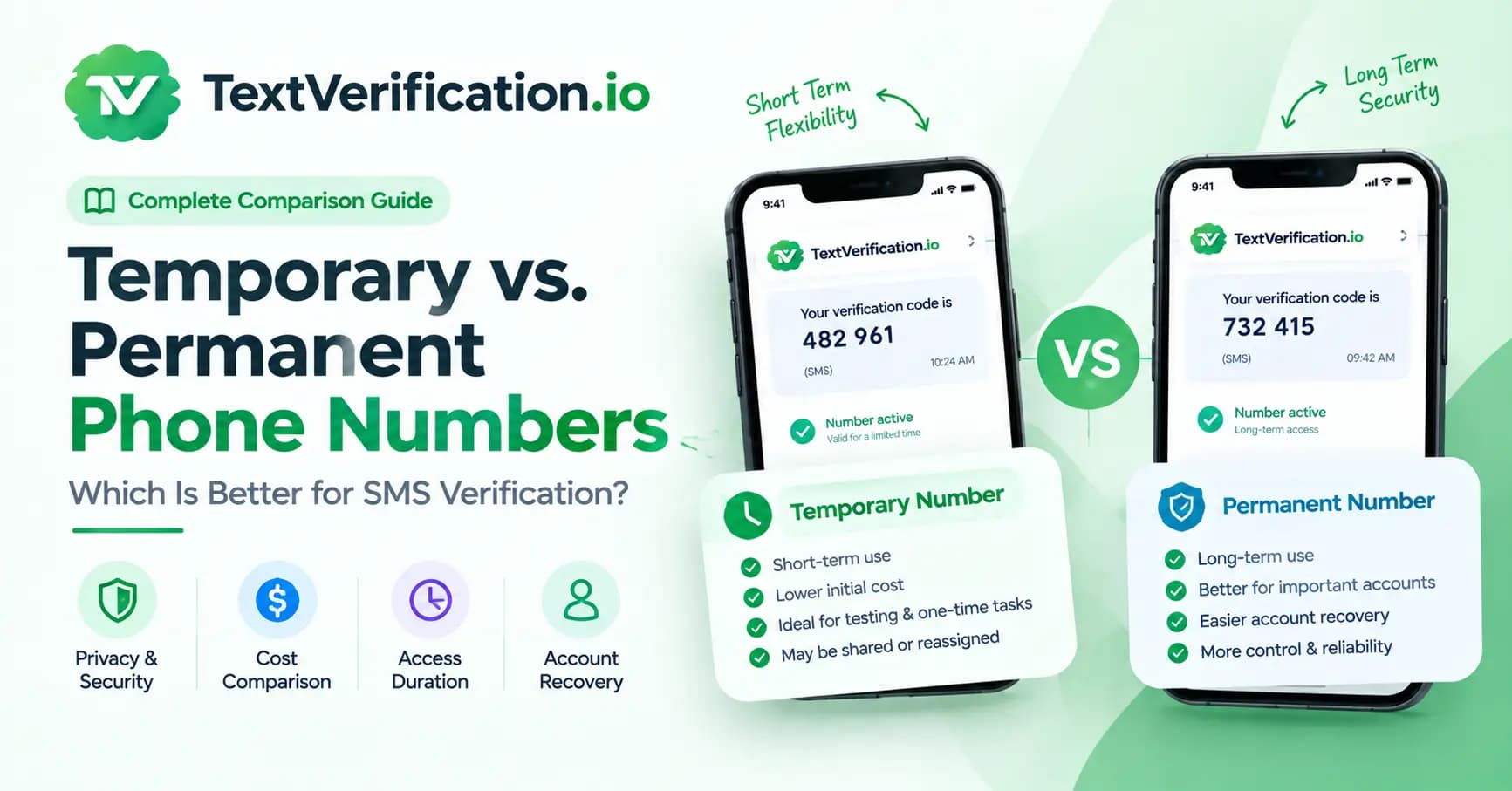
A temporary or rental number. A carrier-issued (non-VoIP) number you use just to receive a code, either once or for a set period. This is what we offer at TextVerification. If you'd like to see how it works, here are our current prices.
One honest tip: if you want to keep an account for a long time, use a rental number rather than a one-time number. A one-time number expires, and you don't want to lose access to an account because the number is gone.
3. Keep your number out of public view
Don't post your number on social profiles, forum posts, or marketplace ads. If you're selling something online, use the platform's built-in messaging first, and share a number only when you're ready to meet or close the deal.
4. Remove yourself from data broker sites
Search your own phone number and name in a search engine. If you find people-search sites listing you, most of them have an opt-out form, though it can take some patience. Some regions also give you legal rights to request deletion of your data. It's tedious, but it cuts off a major source of unwanted calls.
5. Review contact syncing and app permissions
Go through your phone's app permissions and look at which apps can read your contacts. Turn it off for anything that doesn't need it. It protects your number, and also the numbers of everyone in your address book.
6. Protect your number from SIM swap attacks
In a SIM swap, someone convinces your carrier to move your number to a SIM they control, and then receives your text codes. To lower the risk:
Add a PIN or passcode to your carrier account, and ask whether they offer a port-out lock.
Where you can, use an authenticator app or a passkey instead of SMS codes for your important accounts, like email and banking.
This matters because the less your most valuable accounts depend on one text message, the safer they are.
7. Filter and report the spam that still gets through
Turn on your carrier's spam blocking or your phone's built-in feature to silence unknown callers. In the US and several other countries, you can forward a spam text to 7726 to report it to your carrier.
A small rule of thumb: don't click links or reply to texts from numbers you don't know, even to say "stop." With legitimate businesses, a reply of STOP is fine. With unknown senders, it can confirm your number is active.
What if your number has already leaked?
Don't panic. It happens to nearly everyone eventually. A few practical moves:
Expect more spam for a while, and treat unexpected "security" texts as suspicious.
Put a PIN on your carrier account and switch important accounts to app-based two-factor authentication.
Check whether your email address appears in known breaches (a free service like Have I Been Pwned can do this) and change passwords for anything affected.
Start using a separate number for new sign-ups, so the leaked one stops spreading.
A realistic word about temporary numbers
A temporary or rental number is a great tool for keeping your personal number out of random databases. It isn't an invisibility cloak, though.
It won't stop a website from collecting other information about you, and it isn't meant for breaking the rules of the apps you use. We built it for ordinary privacy needs: protecting your own number, testing sign-up flows, running a business profile, or verifying a service while you're abroad. Please use it for lawful purposes only.
Quick FAQ
Can spammers find my number from my social media profile? Yes, if it's public. Bots scrape public pages constantly. Keep your number hidden or visible to nobody in your privacy settings.
Is it safe to give my number to a store cashier? It's usually fine to say no. If a discount depends on it, ask what they'll do with it, or give a secondary number.
Does a temporary number make me anonymous? Not completely. It keeps your personal number private from the service you sign up for, but it doesn't hide everything else about you online. For more on how we handle data, see our privacy policy.
Is it legal to use a second number for sign-ups? Generally yes. Using a separate number for privacy is common and legal. Just follow each service's terms.
The takeaway
You can't make your phone number unleakable, but you can make it a lot harder to find and a lot less useful to the wrong people. Share it less, separate it from your everyday accounts, and don't let one text message guard everything you own.
Start with just one step today. Setting a carrier PIN or switching off contact access for a few apps takes about five minutes, and it's a good place to begin.