
Introduction
WhatsApp is one of the most used messaging apps that have billions use this app regularly. Whether because you are creating a second WhatsApp account for business, safeguarding your privacy or separating work from pleasure, many people wonder:
The question if you can verify WhatsApp without your own number
The answer is yes.
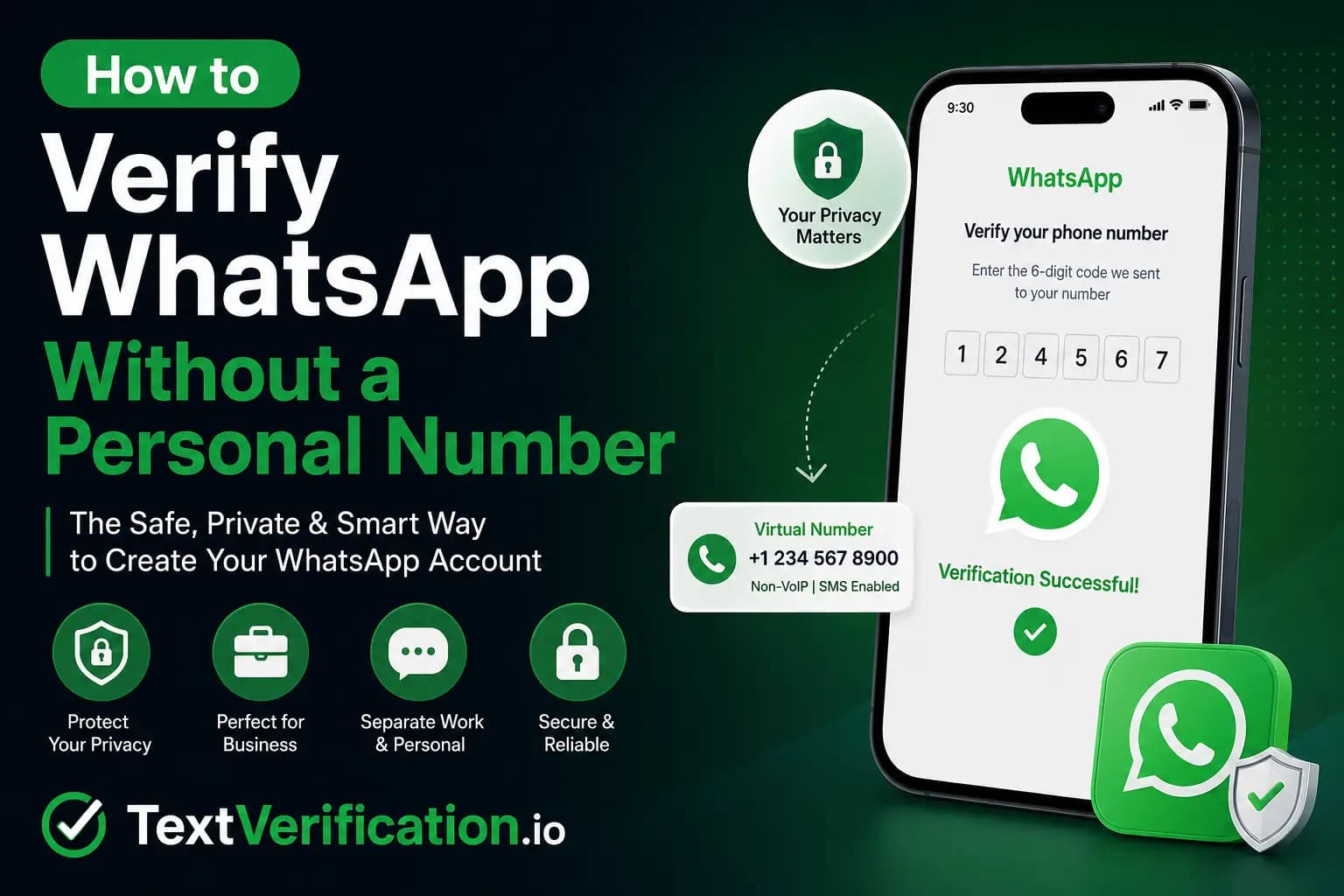
There are various genuine ways to verify the WhatsApp without revealing your personal mobile number these days. When it comes to best solutions, nothing is as dependable as getting you a virtual phone number from reliable provider but all non-VoIP based.
This guide will teach you all about verifying WhatsApp without your personal number and the safest ways of accomplishing this, the common mistakes that need to be avoided, and also tell you why non-VoIP numbers have become the best choice for a successful WhatsApp verification.
Worryes why dey don't want use personal number
Users have many reasons for not wanting to use their private phone number that they would create an account on WhatsApp.
Privacy Protection
Your personal phone number can put you at risk of:
Contact with strangers, mates or forums
Spam messages
Marketing calls
Identity risks
Unwanted contacts
A dedicated number will keep your privacy protected.
Business Communication
Most freelancers, entrepreneurs and online sellers like to have their business conversations separated from their personal ones.
A dedicated WhatsApp number helps:
Build a professional image
Organize conversations
Protect personal information
Multiple WhatsApp Accounts
Also note that WhatsApp allows only single account per number.
When you want another whats app account for:
Business
Online marketplace
Customer support
International clients
You'll need another phone number.
Online Security
Using a separate verification number lowers the chances that you're exposing your real phone number to too many online services.
Do you really need an SIM card to verify with WhatsApp?
Yes.
Physical SIM card not needed all the time.
WhatsApp only requires:
A phone number that can recieve the verification code
Access to the SMS or verification call
A lot of users easily verify WhatsApp using reliability virtual numbers.
Not all virtual numbers do, however.
Why Free Virtual Numbers Drop Like Flies
If you have ever searched the internet for such service, you would have landed on some websites which provide free SMS numbers.
Sadly, you tried most of them don't work for Whastapp.
Common problems include:
Number already used
Blacklisted by WhatsApp
Public inboxes
Delayed SMS
Security risks
Shared with thousands of users
WhatsApp identifies these numbers and frequently blocks them because they are public.
What Is a Non-VoIP Number?
In other words, a non-VoIP number means an actual mobile phone number being offered via traditional mobile carrier network services and not internet calling technologies.
Even for sapling(standard of Voip) numbers, non-Voip number has higher success rate for:
WhatsApp
Telegram
Google
PayPal
Facebook
Instagram
Banking verification
Cryptocurrency platforms
This makes those numbers look more trusted as far as verification systems are concerned.
The most Popular Benefits of Using a Non-VoIP Number
There are a number of advantages to selecting a high-quality non-VoIP number.
Higher Verification Success
WhatsApp is more inclined towards accepting non-VoIP numbers.
Better Privacy
Your private number stays protected.
Fast SMS Delivery
They typically come within a few seconds.
Reduced Risk of Rejection
Carrier-based numbers are less likely to be blocked.
Ideal for Business
Perfect for:
Customer support
Marketing teams
Small businesses
Online stores
Get an Indian Phone Number Without Having A Physical SIM | verification of WhatsApp
Follow these simple steps.
STEP1: SELECT A TRUSTED VIRTUAL NUMBER PROVIDER
Select a provider that offers:
Non-VoIP numbers
SMS support
WhatsApp compatibility
Reliable delivery
Good customer support
Avoid free public SMS websites.
Step 2: Create an Account
Register with your preferred provider.
Most services only require:
Email address
Password
Step 3: Add Funds
Many premium providers support:
Cryptocurrency
Credit cards
Digital wallets
Once you have added funds to your account, it is time to buy a number.
Step 4: Select Your Country
Choose the country you need.
Popular choices include:
United States
United Kingdom
Canada
Australia
Germany
Step 5: Choose WhatsApp
You get to choose the specific service with most providers.
Choose:
WhatsApp
Then you are given a compatible number by system.
Step 6: Open WhatsApp
Step 1: Get WhatsApp On Your Device- You can download and install the app through your official app store.
Choose:
Register with Phone Number
Enter your purchased number.
Step 7: Get the verification code
The SMS verification code this time will also be sent by WhatsApp.
The code will be shown on Your provider's dashboard.
Enter it into WhatsApp.
Your account is now verified.
Tips for Successful WhatsApp Verification
To improve your success rate:
Use fresh numbers
Avoid public SMS services
Choose non-VoIP numbers
Complete verification immediately
Maintain a stable internet connection
Avoid repeated verification attempts
Common Reasons Verification Fails
Sometimes verification doesn't work.
Possible reasons include:
Number Previously Used
Verification might fail if WhatsApp was already registered with that number.
Too Many Attempts
Making verification requests repeatedly can temporarily lock the number.
Unsupported Number
Some virtual numbers are blocked.
Go for reliable providers that offer real phone numbers not VoIP.
SMS Delay
Occasionally mobile networks experience delays.
Leave the record for few minutes and it is often fixed.
The security of virtual numbers
Yes — if you select a trusted provider.
Avoid providers that:
Share inboxes publicly
Recycle numbers immediately
Offer completely free public numbers
Have poor customer reviews
Security always comes first.
Who Utilize Virtual Numbers WhatsApp?
Virtual Numbers are employed by Many Professionals.
Examples include:
Digital marketers
Freelancers
Software developers
Online sellers
Customer support teams
E-commerce businesses
International companies
Content creators
Personal vs Virtual Number
Feature | Personal Number | Virtual Non-VoIP Number |
|---|---|---|
Privacy | Low | High |
Business Use | Limited | Excellent |
Separate Accounts | No | Yes |
Protect Identity | No | Yes |
WhatsApp Support | Yes | Yes |
Easy Replacement | No | Yes |
Best Practices After Verification
Once you have created your WhatsApp account:
Enable two-step verification.
Add a recovery email.
Keep your account secure.
Avoid suspicious activity.
Never share your verification code.
The above steps bring the account to a more secure stage.
Frequently Asked Questions
WhatsApp is tied to your real phone number, but is it possible for you to use it without vaunting that?
Yes. Use new virtual non-VoIP number instead of your personal number.
Does WhatsApp allow virtual numbers?
Yes, but only if the number is up to standard. Comparatively, carrier-based non-VoIP numbers tend to work light years better than free public virtual numbers.
Are free SMS numbers recommended?
No.
Most Free SMS Websites are applied with Public share numbers that will be blocked by whatsapp.
Learn if it is possible to create multiple WhatsApp accounts
Yes.
You need a unique phone number per account.
When is a non-VoIP number legal to use?
Yes.
As long as you follow the Terms of Service of WhatsApp and laws within your area jurisdiction, using a real virtual phone number is typically not illegal.
TextVerification: Why To Go For Whatsapp Verification In 2026?
TextVerification is a provider that specializes in good quality non-VoIP numbers for online verification.
Benefits include:
High success rate
Fast SMS delivery
USA non-VoIP numbers
Support for WhatsApp verification
Secure dashboard
Cryptocurrency payments
Easy account management
Large quagmire of Support/Compatibility with Hundreds Of Online Services
If you are making a business WhatsApp account or if you are trying to protect your privacy, this method will speed up the process and make it reliable.
Final Thoughts
But validating WhatsApp without giving your exact phone number is an actual alternative for those that appreciate their privacy, operate several accounts, or utilize it for a business. In terms of free SMS services, these tend not to work as the allocated numbers are either already being blocked or are shared with other users - however a genuine non-VoIP virtual number from a provider has far more chance of working when it comes to verification purposes.
It's important to go with a good provider, follow WhatsApp's verification process closely, and secure your account features like two-step verification.
This is one of the safest and most effective ways if you want a separate WhatsApp account without sharing your mobile number, that is why use a trusted non-VoIP verification service.
WhatsApp Phone Verification: Use a Virtual Number Instead
Many users wonder whether it's possible to create a WhatsApp account without using their personal phone number. While WhatsApp requires SMS verification during the registration process, some users choose to use a virtual phone number to help protect their privacy.
TextVerification.io provides virtual phone numbers that can receive SMS verification codes for thousands of online platforms. Depending on WhatsApp's current verification policies, these numbers may be accepted for account verification, allowing you to keep your personal phone number private.
Why Use TextVerification.io?
With TextVerification.io, you can:
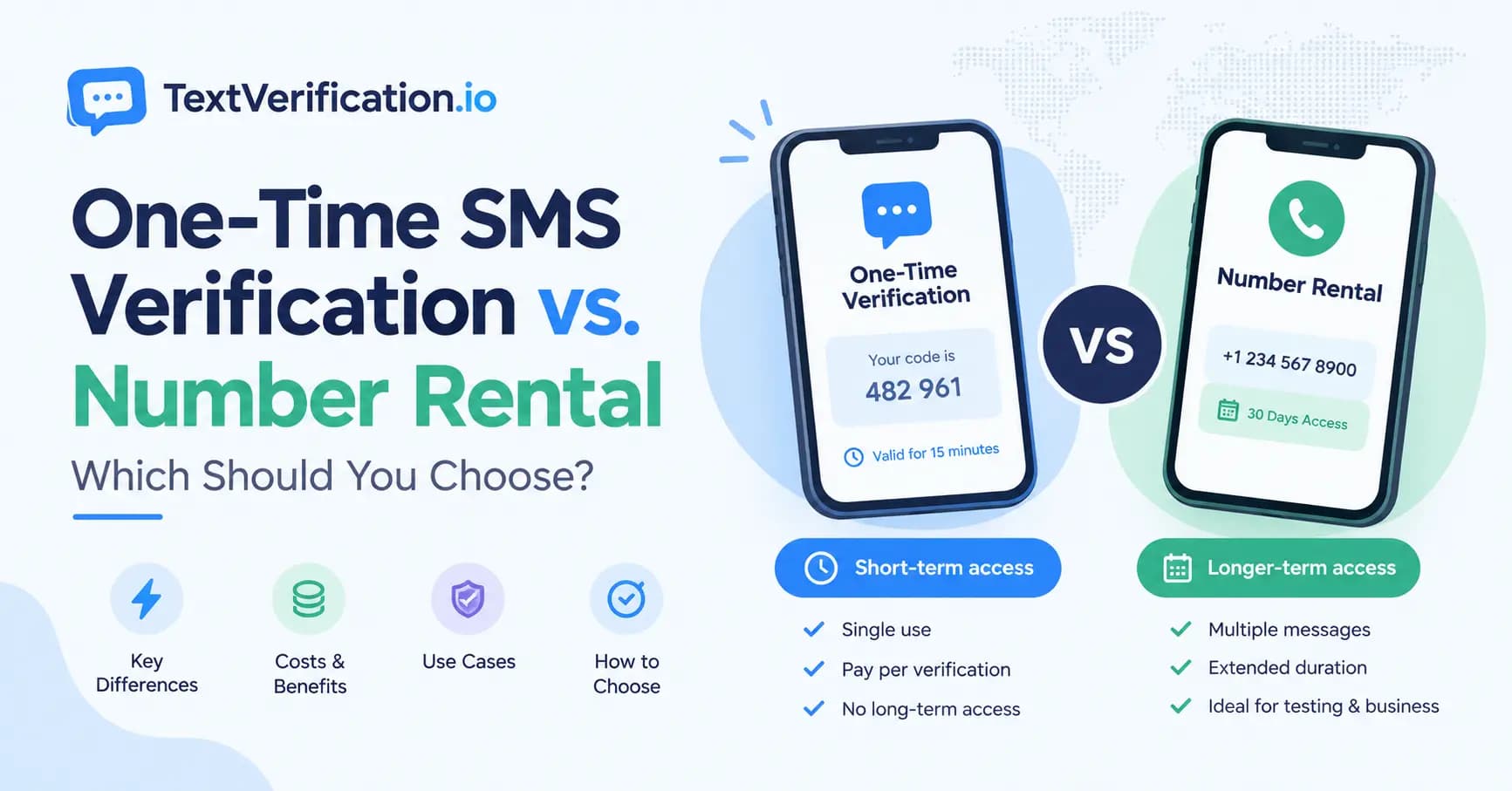
Purchase a one-time SMS verification number at an affordable price.
Rent a virtual number for extended use, including plans of up to 3 months.
Buy bulk virtual numbers for businesses, developers, or large-scale verification needs.
Create an account using only an email address, without providing unnecessary personal information.
Access real non-VoIP virtual numbers from multiple countries for supported online services.
How to Get a Real Non-VoIP SMS Verification Number for WhatsApp
Follow these simple steps:
Create a free account on TextVerification.io.
Add funds using one of the available payment methods.
Choose the service that fits your needs:
Buy Number (S1) – One-time verification
Buy Number (S2) – Alternative one-time option
Rental Number (LTR) – Long-term number rental
Select your preferred country.
Search for WhatsApp in the list of supported services (if available).
Click Order Number.
Copy the assigned virtual phone number.
Enter the number during the WhatsApp registration process.
Wait for the SMS verification code to appear in your TextVerification.io dashboard.
Enter the verification code to complete your WhatsApp verification.
Important Note:
Acceptance of virtual phone numbers depends entirely on WhatsApp's current verification and security policies. Some virtual numbers may be accepted, while others may be rejected. In addition, it's recommended that you maintain access to the number you use, as WhatsApp may require it later for account recovery, security verification, or login confirmation.
Using a virtual number can be a convenient option for users who want to enhance their privacy, but it does notguarantee successful verification. Always follow WhatsApp's Terms of Service and be prepared to complete additional verification if requested.